
Affiliate Disclosure: SmartSpaceAdvisor.com is a participant in the Amazon Services LLC Associates Program. We may earn a commission when you buy through our links at no extra cost to you. Our recommendations are always based on honest research — never paid placements.
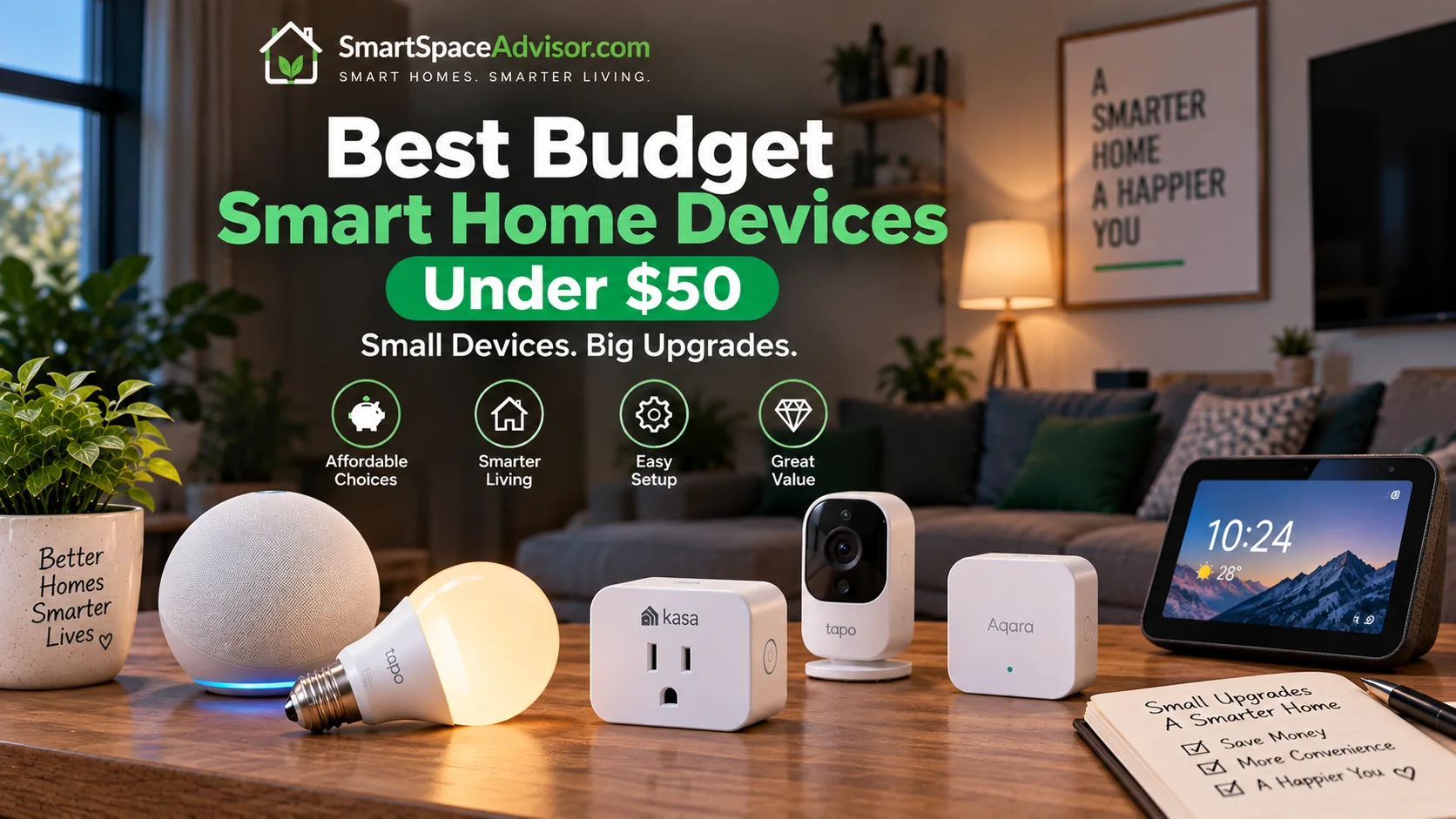
You don’t need hundreds of dollars to start a useful smart home. We compared affordable smart speakers, plugs, lighting, sensors, security devices and other connected products that can be bought for $50 or less.
Our picks focus on more than the sticker price. We looked at compatibility, hub requirements, subscription costs, everyday usefulness, safety certifications where applicable, and the features that actually matter at this price.
How We Chose These Devices
We evaluated each product using five criteria:
1. Practical value
We looked at what the device actually adds to a home rather than simply counting features.
2. Compatibility
We checked supported ecosystems, connectivity standards, hub requirements and important limitations so buyers know what they are getting into before purchasing.
3. True cost
A $20 device that requires a $60 hub is not really a $20 smart-home purchase. Where additional hardware, subscriptions or accessories are required, we call that out.
4. Everyday usability
We considered setup, app experience, automation options, reliability considerations and the situations where the product makes the most sense.
5. Evidence and transparency
Where we have hands-on experience, we identify it clearly. Where a recommendation is based on manufacturer documentation, product specifications and customer-review research, we do not present that research as hands-on testing.
New to all of this? Our complete guide to setting up a smart home from scratch walks through the entire process step by step.
How We Test Smart Home Devices
We evaluate smart-home products based on compatibility, setup difficulty, reliability, features, ongoing costs, privacy considerations and value. Products we personally test are labeled as hands-on tested; products we haven’t physically tested are evaluated using manufacturer documentation, independent research and customer feedback. Prices and compatibility are checked before publication but can change after publication.
The Quick Answer: Our Top Picks at a Glance
If you’re short on time, here’s the entire guide in one table. Detailed reviews of each follow below.
| Image | Product | Best For | Price |
|
1
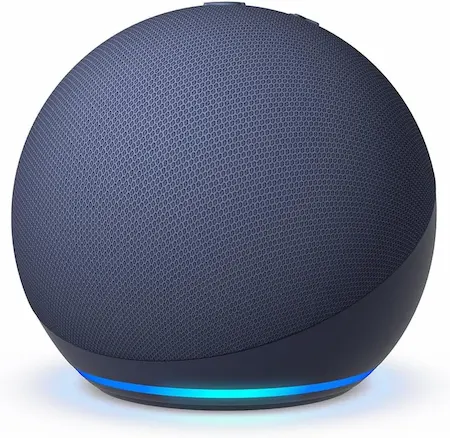 |
Amazon Echo Dot (5th Gen) |
Alexa voice control and routines |
$30–$50
|
|
2
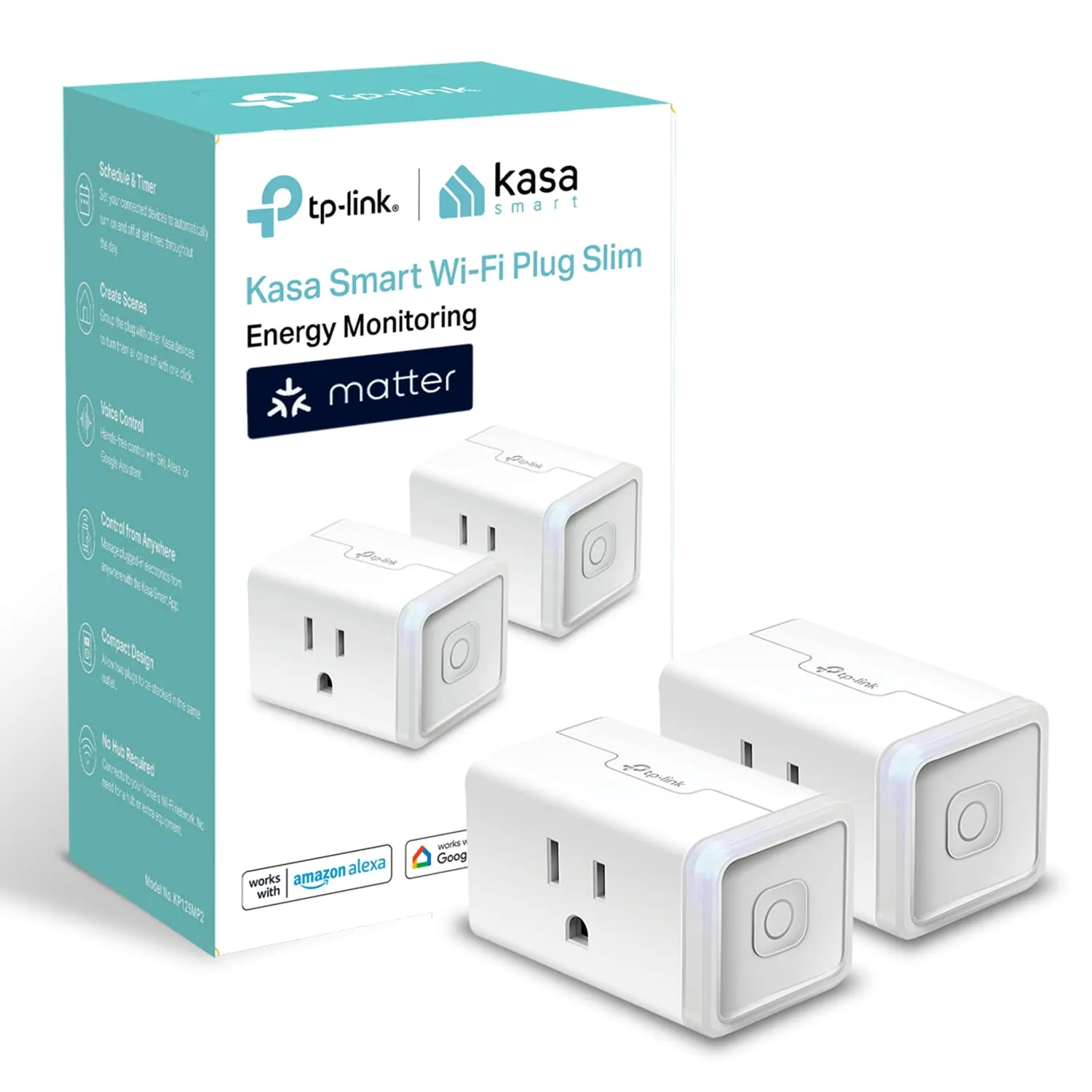 |
Kasa Smart Plug EP25 |
Energy monitoring and appliance control |
$22–$28
|
|
3
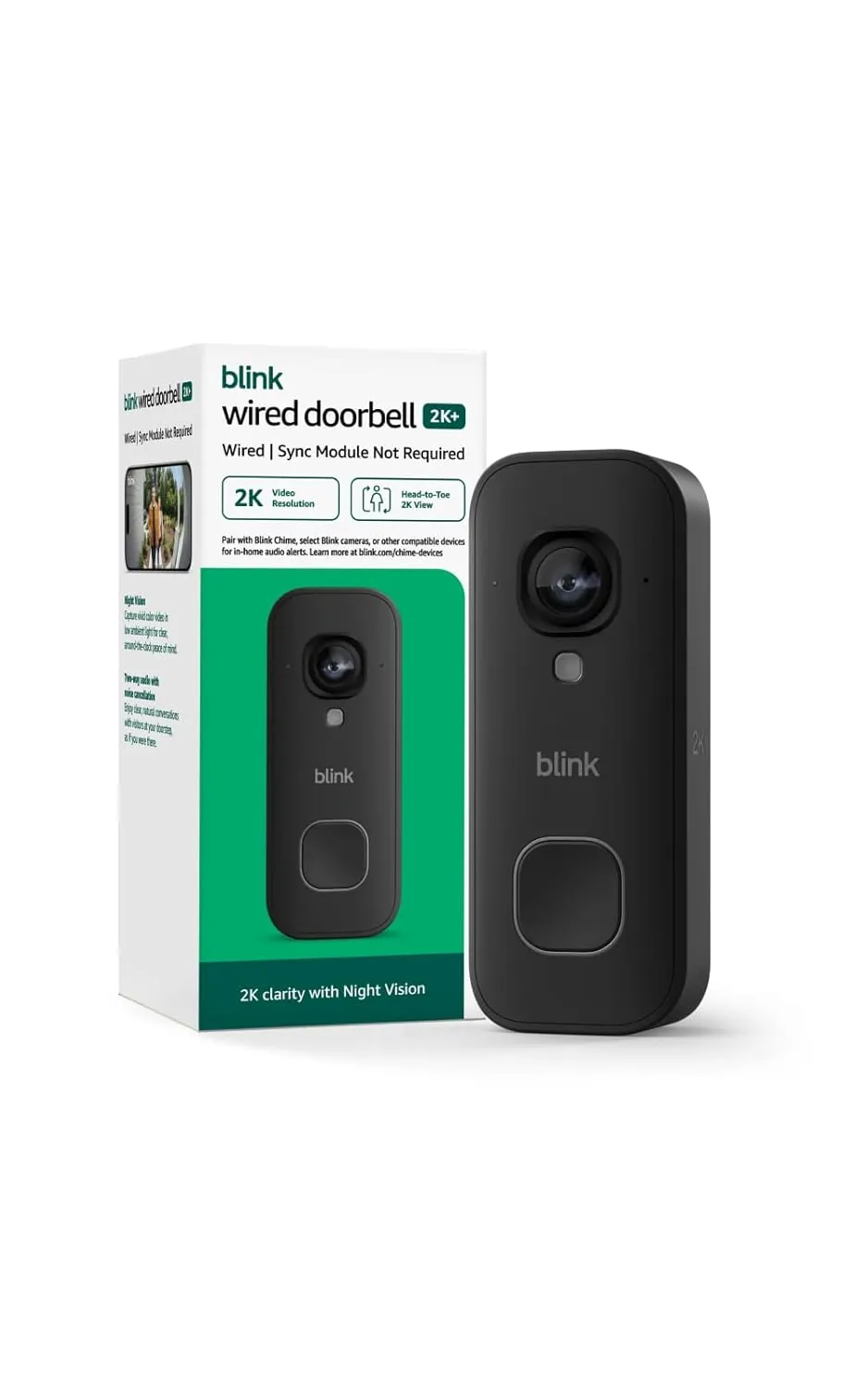 |
Blink Wired Doorbell 2K+ |
Best Budget 2K Video Doorbell |
$49.99
|
|
4
 |
Nanoleaf Essentials A19 |
Matter-over-Thread smart lighting |
$24
|
|
5
 |
Philips WiZ A19 bulbs |
Instant color lighting, zero extra hardware |
$20
|
|
6
 |
Aqara Water Leak Sensor |
Water-leak detection |
$18.99
|
|
7
 |
SwitchBot Bot + Hub Mini |
Makes any “dumb” appliance smart |
$49.00
|
|
8
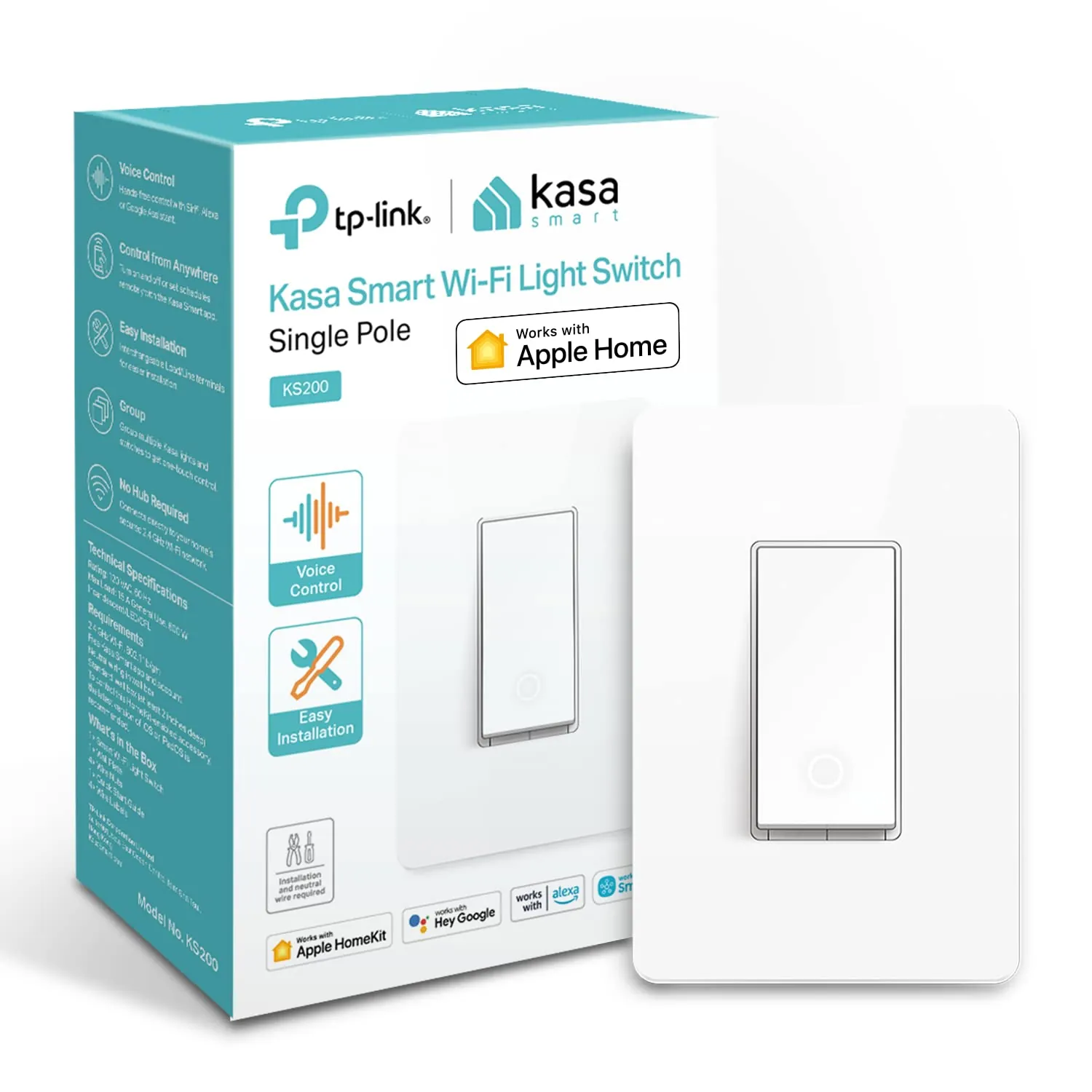 |
TP-Link Kasa KS200 |
Voice control for hardwired ceiling lights |
$19.99
|
|
9
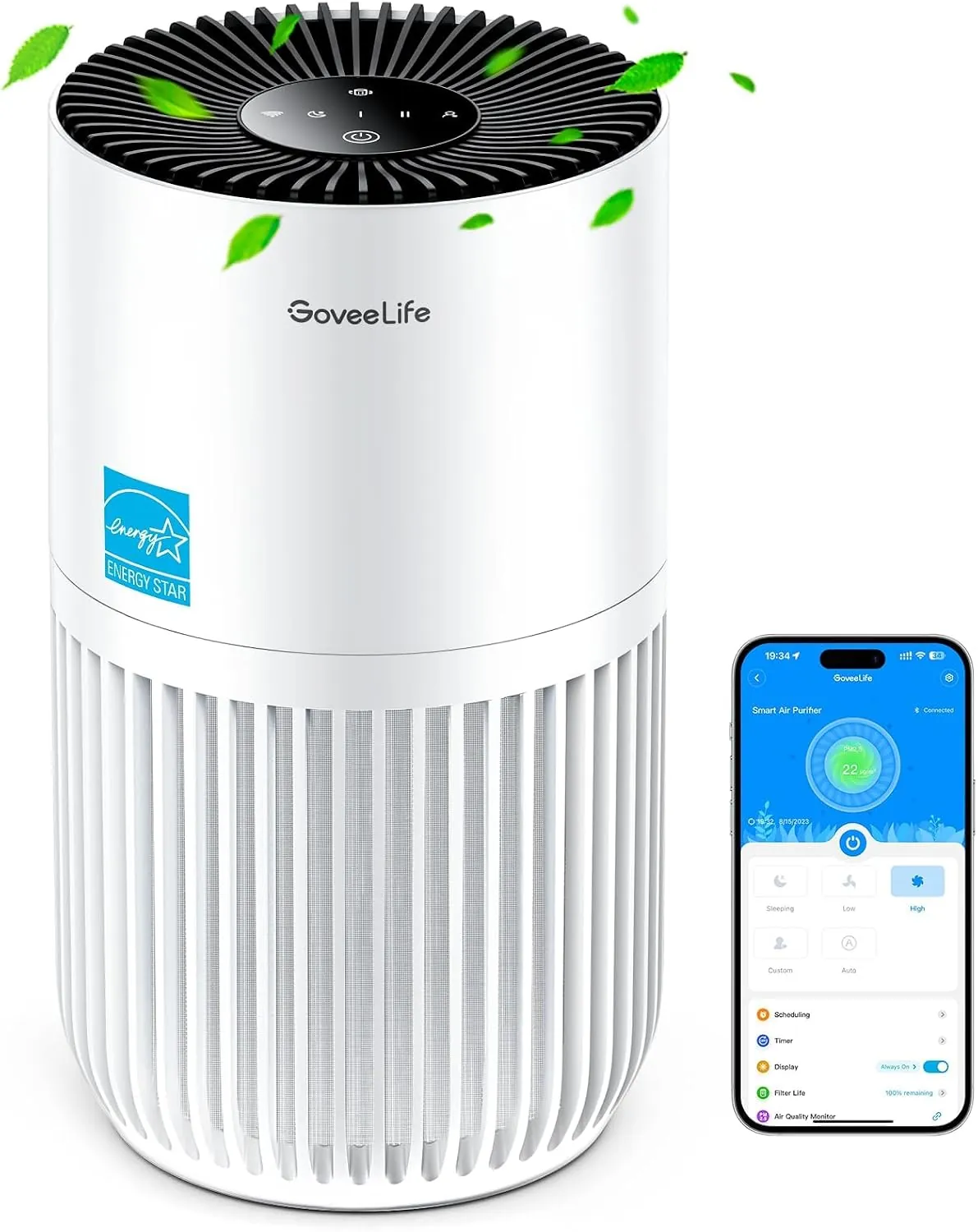 |
GoveeLife Smart Mini Air Purifier |
Smart air purification for smaller rooms |
$49.99
|
|
10
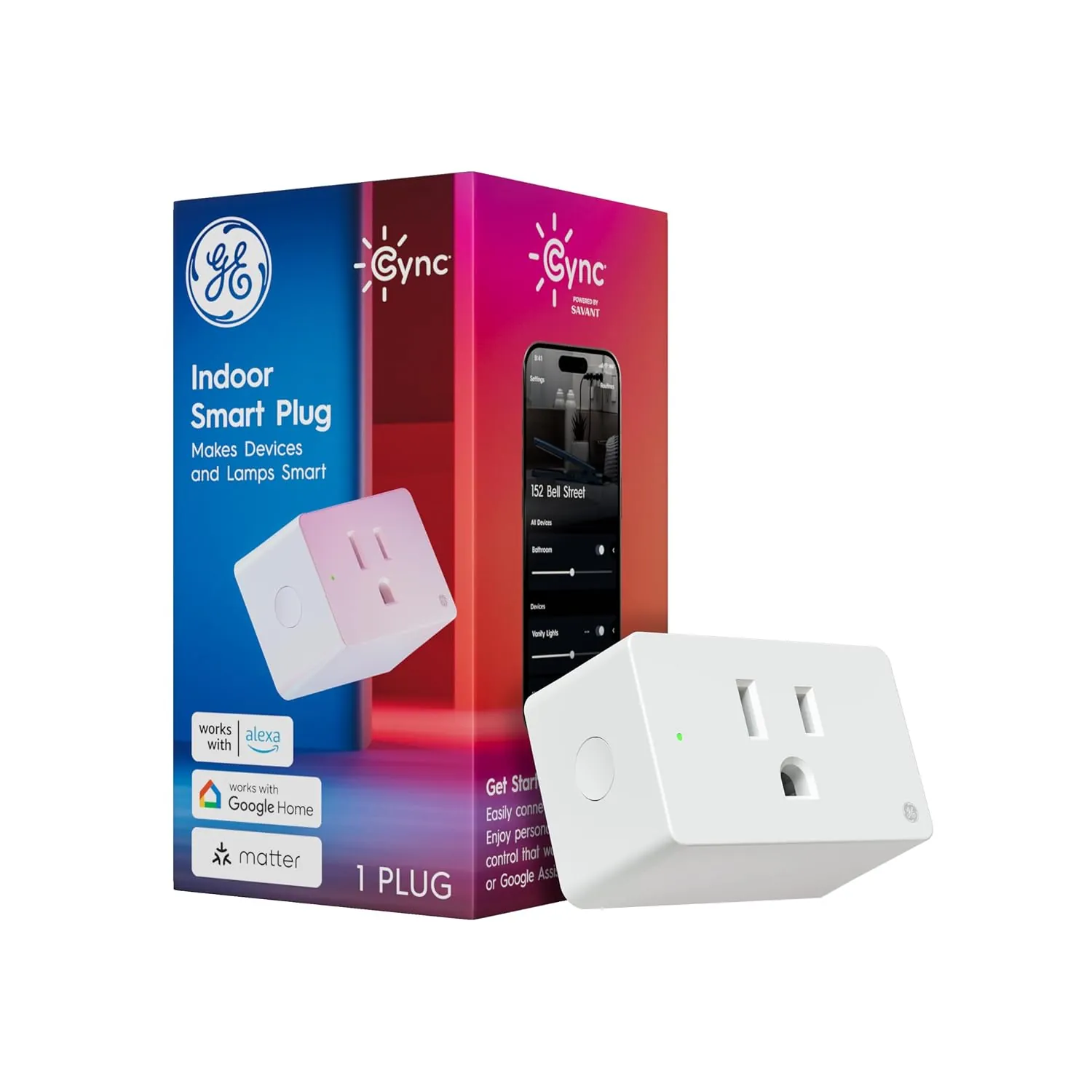 |
GE Cync Smart Plug |
Matter-compatible multi-platform control |
$14.99
|
1. Amazon Echo Dot (5th Gen) — Best Smart Home Hub for Beginners
Typical price: Check current retailer pricing · Works with: Alexa, Matter-compatible devices · Hub required: No separate proprietary hub for many supported devices
The Echo Dot (5th Gen) combines Alexa voice control with smart-home features that make it useful as an entry point into Amazon’s ecosystem. It includes a built-in temperature sensor and can participate in supported Matter setups, allowing compatible smart-home devices to be controlled through Alexa.
Alexa Routines are one of its most useful smart-home features. A routine can combine compatible lights, plugs, thermostats and other devices into scheduled or voice-triggered actions. Multiple Echo devices can also use Alexa’s Drop In and announcement features for communication around the home.
The main reason to choose the Echo Dot here isn’t simply its speaker function. It’s the combination of voice control, routines and broad compatibility with affordable Alexa-enabled smart-home products.
The one drawback: It’s most useful for households that want Alexa as their primary voice-assistant ecosystem. Buyers committed to another platform should choose a controller that fits that ecosystem instead.
Best for: Beginners building an Alexa-based smart home.
2. Kasa Smart Plug EP25 (2-Pack) — Best Budget Smart Plug
Typical price: $22–$29 for two · Works with: Alexa, Google Home, Apple Home/Siri, SmartThings (support can vary by hardware version/region) · Hub required: No
Smart plugs are one of the simplest ways to add automation to existing appliances. Lamps, fans, coffee makers, humidifiers and other compatible devices can gain scheduling, remote control and voice-assistant functionality without replacing the appliance itself.
The Kasa EP25 combines remote control, schedules and energy monitoring in a compact plug that leaves the adjacent outlet usable. TP-Link specifies support for real-time and historical energy monitoring, allowing you to see how much electricity a connected appliance consumes.
It uses 2.4 GHz Wi-Fi and doesn’t require a separate hub. Compatibility can vary by hardware version and region, so check the exact EP25 version on the retailer listing before purchasing.
The one drawback: It uses 2.4 GHz Wi-Fi, so buyers should confirm that their home network supports the connection requirements listed for their exact hardware version.
Best for: Adding scheduling, remote control and energy monitoring to compatible plug-in appliances.
Want to compare more options? See our guide to the best smart plugs of 2026.
3. Blink Wired Doorbell 2K+ — The Price Barrier Breaker
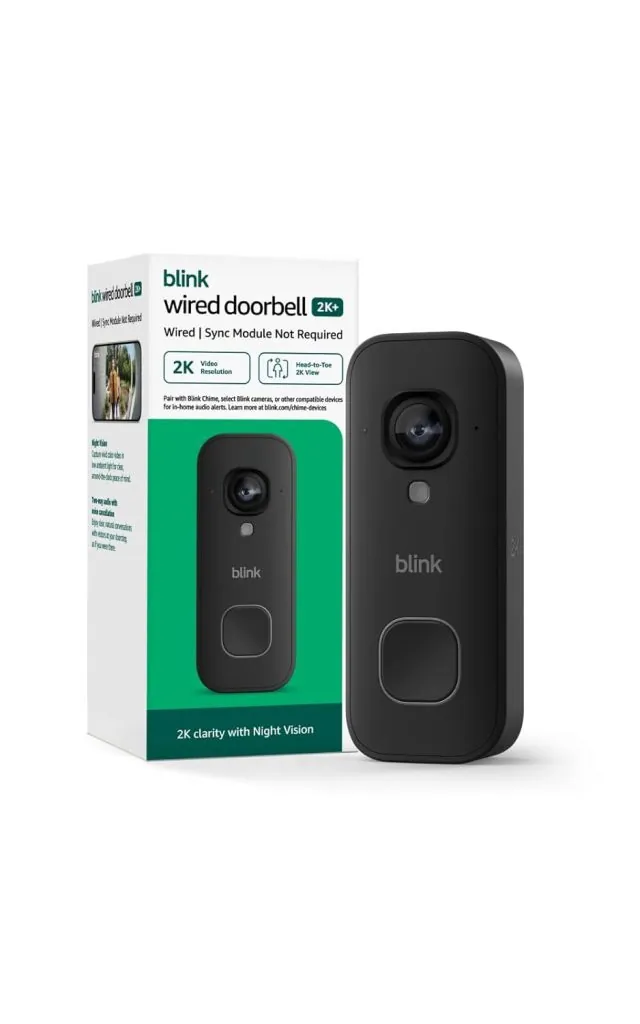
Price: $49.99 · Works with: Alexa · Hub required: No (optional Sync Module adds local storage)
Blink’s Wired Doorbell 2K+ brings 2K-class video and Alexa integration to the sub-$50 category, making it one of the more feature-rich security devices included in this guide.
The headline feature is its 1920 × 1920 resolution with a 1:1 head-to-toe view, designed to show both visitors and packages near the doorstep. For a budget-oriented wired doorbell, that specification is notable, although resolution alone does not determine real-world image quality.
The Wired Doorbell 2K+ requires continuous power rather than a rechargeable battery. It supports two-way audio, motion notifications and Alexa integration, including compatible Echo-device features. Exact notification speed, audio quality and video performance can vary with network conditions, installation and environment.
A paid Blink subscription isn’t required for basic real-time functions such as Live View and notifications. Recorded clips require an appropriate recording option, such as an eligible Blink subscription or compatible local-storage setup. Not every Sync Module supports Local Storage, and cloud plans can include features that local storage does not reproduce.
For a closer look at installation, storage, video features and ongoing costs, read our full Blink Wired Doorbell 2K+ review.
The one drawback: It does not support Apple Home/HomeKit, so households centered on Apple’s smart-home ecosystem should consider a compatible alternative.
Best for: Alexa households with compatible existing doorbell wiring.
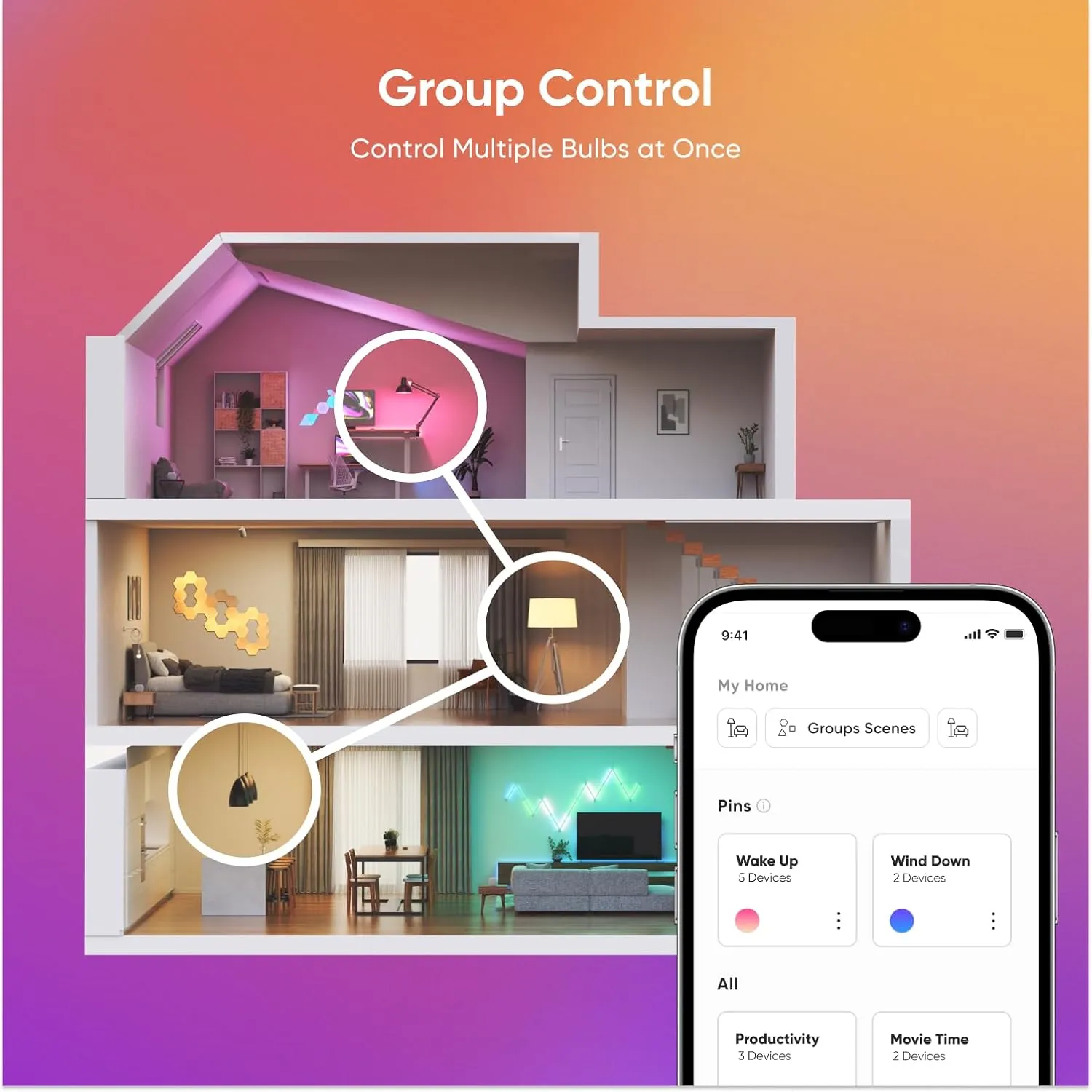
4. Nanoleaf Essentials A19 (2-Pack) — Matter Lighting Without the Hub Tax
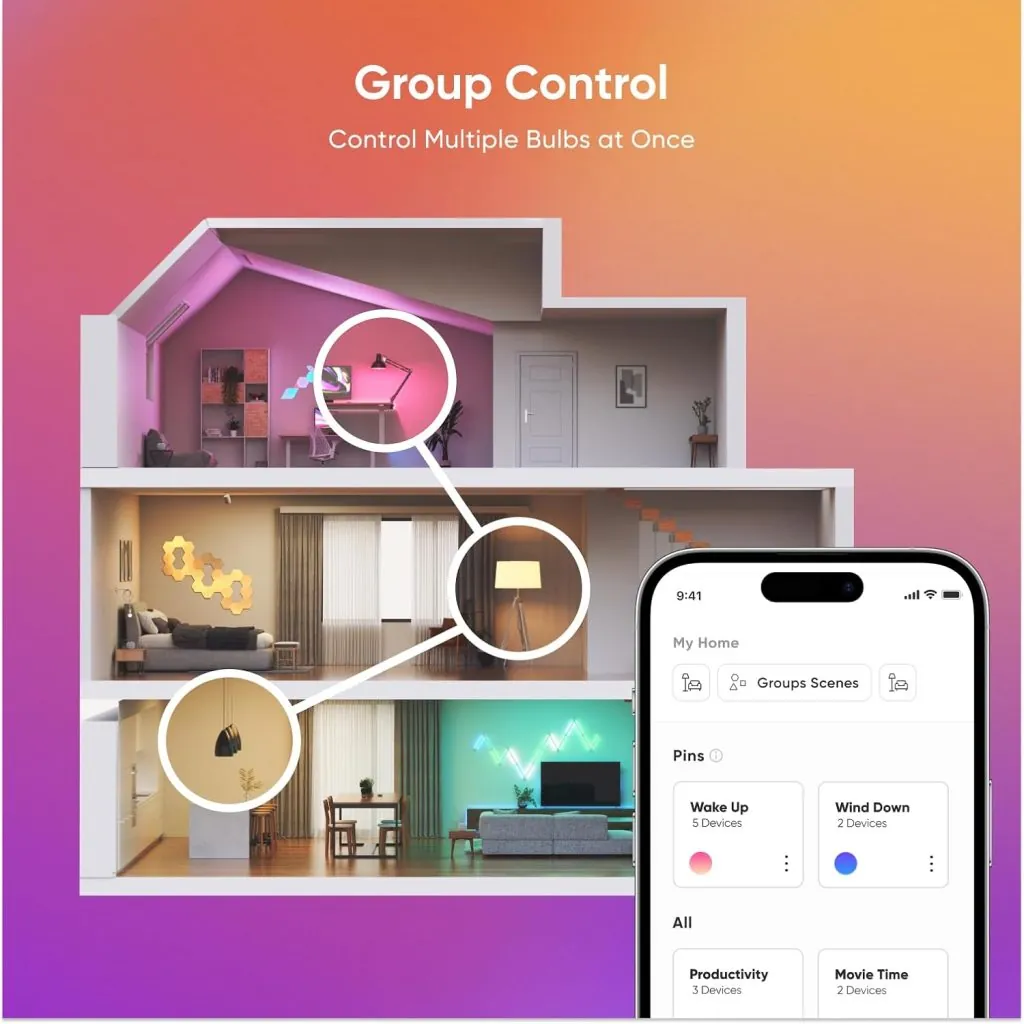
Typical price: $20–$24 for two bulbs · Works with: Matter, Apple Home, Alexa, Google Home, SmartThings · Hub required: No proprietary Nanoleaf hub; Matter-over-Thread requires a compatible Matter controller and Thread border router
For a long time, “proper” cross-platform smart lighting meant accepting a hub into the bargain — Philips Hue’s Bridge, IKEA’s DIRIGERA, Aqara’s gateway. Nanoleaf’s Essentials A19 quietly broke that assumption. It’s Matter-certified and Thread-native, meaning it talks directly to Apple Home, Alexa, Google Home, and SmartThings without a separate bridge box cluttering a shelf anywhere in your house.
Thread is a low-power mesh networking protocol designed for connected-home devices. Compatible mains-powered Thread devices can help extend a Thread mesh, while a compatible Thread border router connects the Thread network with the rest of your home network. For Matter-over-Thread operation, your smart-home setup therefore needs the appropriate Matter controller and Thread border-router support.
For a deeper comparison of smart-home connectivity standards, see our Matter vs Zigbee vs Z-Wave guide.
Nanoleaf specifies up to approximately 1,100 lumens for the current Essentials Matter A19, along with tunable white and millions of colors. The bulbs can be controlled through Nanoleaf’s ecosystem and compatible Matter platforms, although available features can differ depending on the platform and setup.
The main attraction is cross-platform flexibility without requiring a proprietary Nanoleaf bridge. However, Matter-over-Thread still has infrastructure requirements, so buyers should confirm that their existing smart-home controller provides the Thread/Matter support needed for their intended setup.
The one drawback: Matter-over-Thread requires compatible Thread border-router and Matter-controller infrastructure. Check your existing smart-home hub or speaker before buying.
Best for: Buyers who already have compatible Matter/Thread infrastructure and want cross-platform smart lighting.
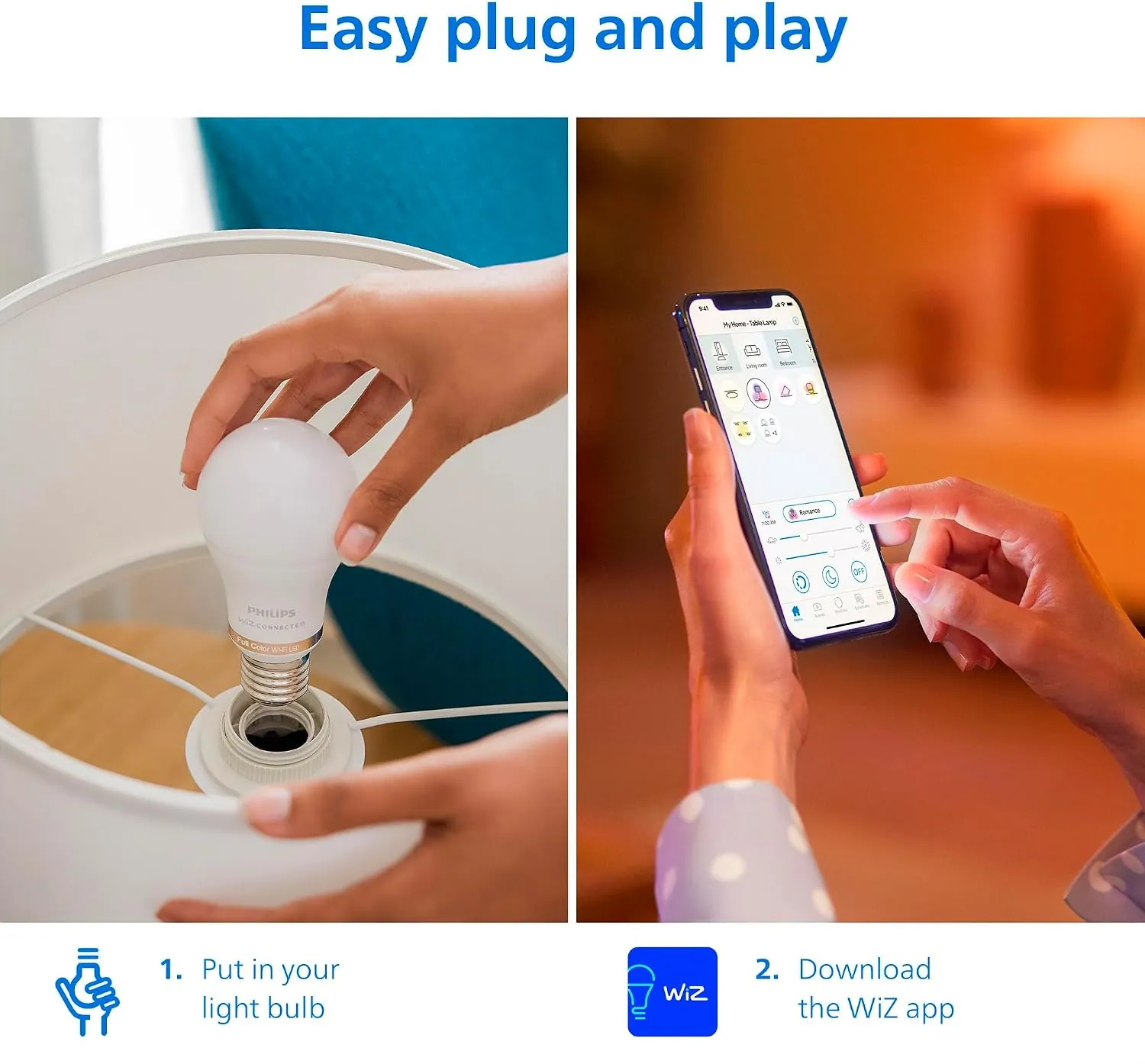
5. Philips Smart Lighting WiZ A19 — Smart Bulbs Without Homework
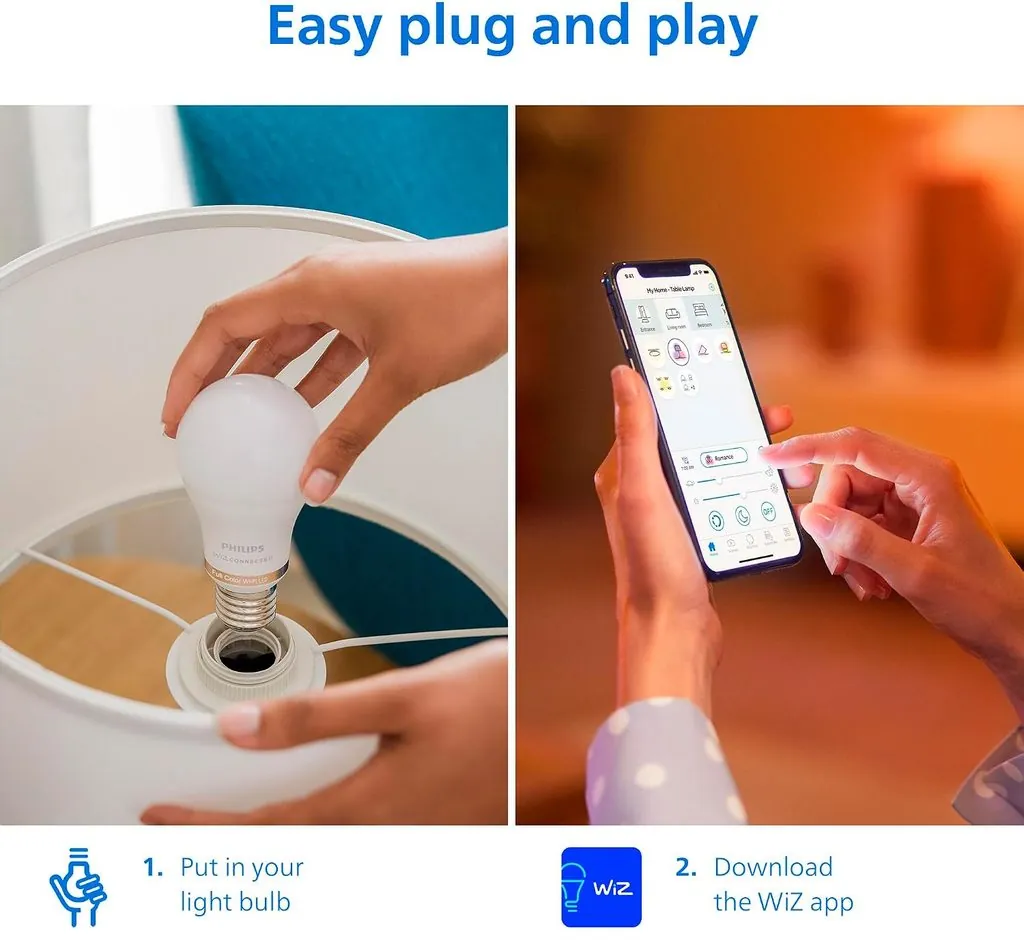
Typical price: $10 per bulb · Works with: Alexa, Google Home, WiZ app · Hub required: No
Not everyone wants a lighting system. Sometimes you simply want one smart bulb in a bedroom lamp without buying a separate lighting hub. That’s the niche Philips’ WiZ range — reorganized under the “Philips Smart Lighting” banner in May 2026 — fills better than anyone.
These bulbs connect directly to 2.4 GHz Wi-Fi, so they don’t require a separate lighting hub or bridge. Depending on the exact model, WiZ bulbs provide features such as dimming, tunable white, color control, schedules, scenes and voice-assistant integration through the WiZ ecosystem.
WiZ is part of Signify, the company behind Philips Hue, but the two ecosystems use different approaches. WiZ focuses primarily on direct wireless connectivity without requiring the Hue Bridge, which can make it a simpler and less expensive entry point for individual rooms or smaller installations.
Compatibility varies across WiZ models and hardware generations, so check the exact bulb listing for Matter and ecosystem support rather than assuming every WiZ A19 has identical capabilities.
The one drawback: as Wi-Fi devices, each bulb occupies a slot on your router. Fine for five bulbs; potentially messy for twenty-five.
Best for: Renters and beginners who want straightforward Wi-Fi smart lighting without a separate bridge.
6. Aqara Water Leak Sensor — The $19 Disaster Preventer
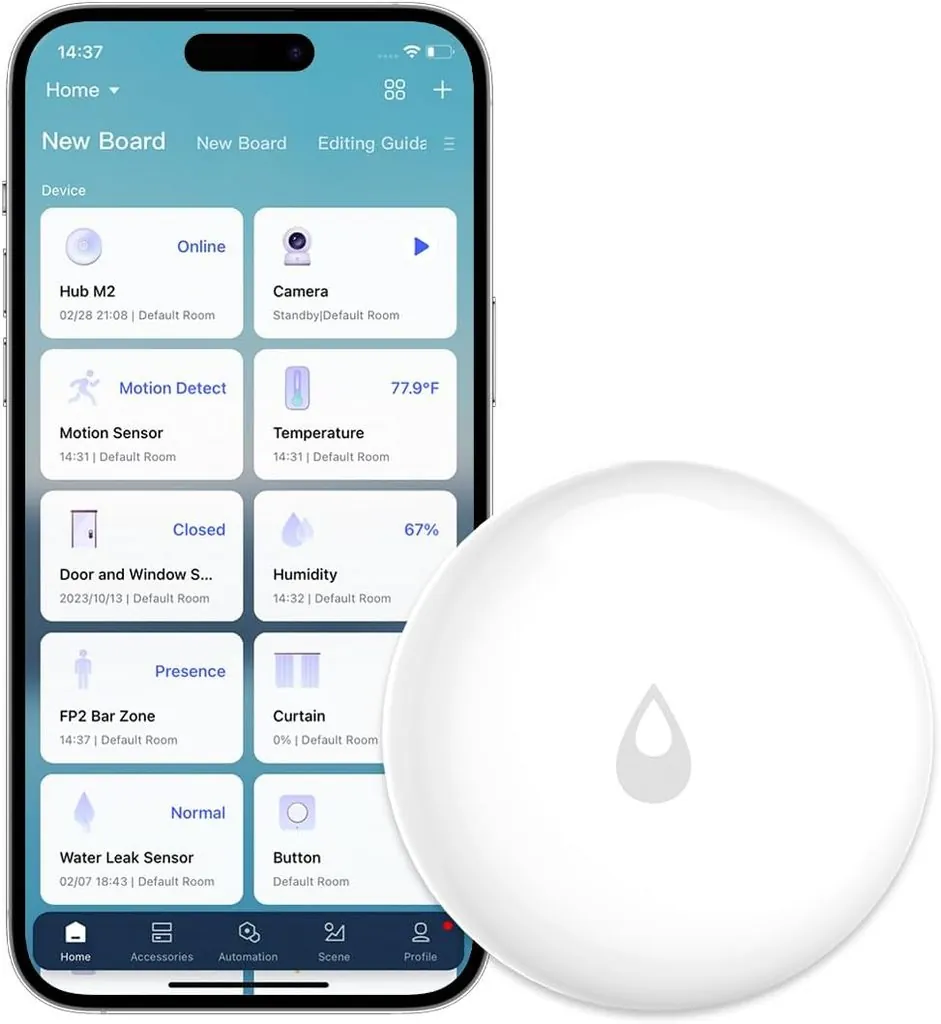
Price: around $18.99 · Works with: Apple HomeKit, Alexa, Google Home (Aqara/Zigbee hub required)
Water-leak sensors are easy to overlook, but they can provide an early warning around sinks, washing machines, water heaters and other areas where leaks may occur.
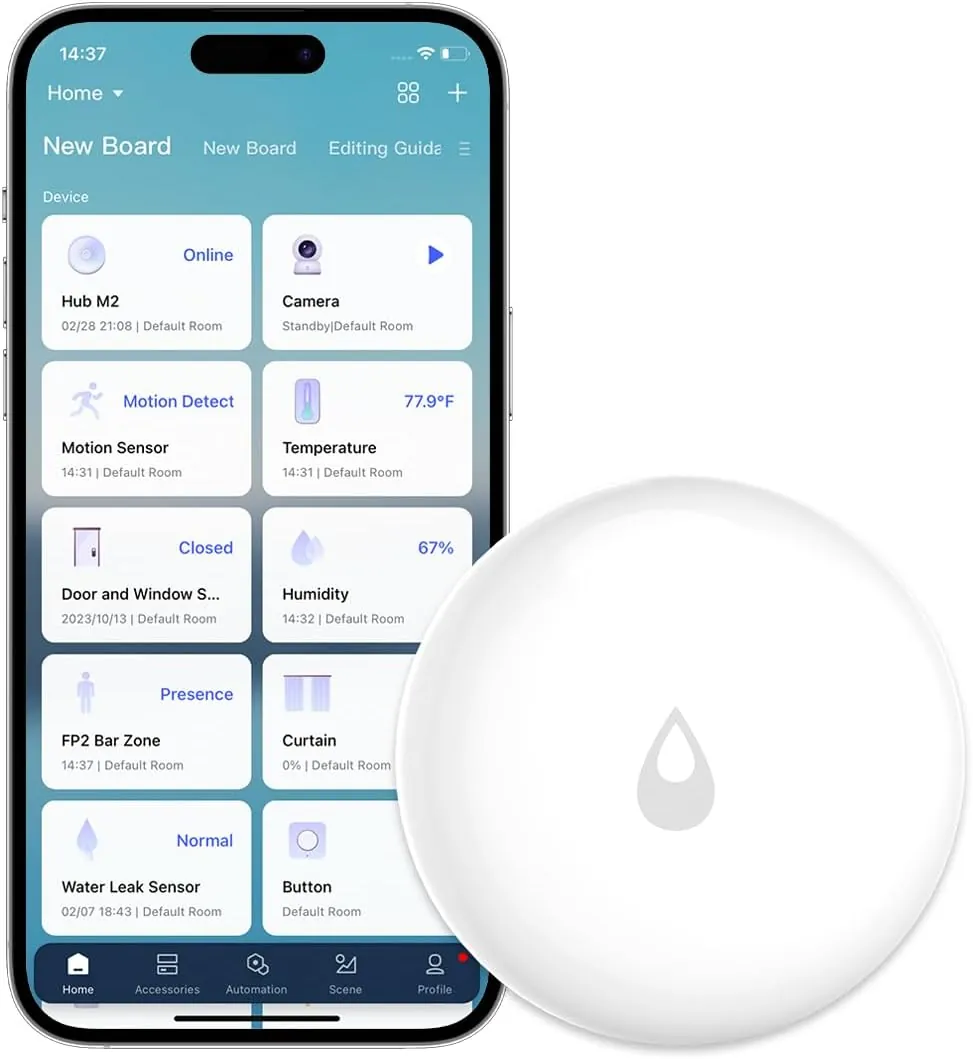
Aqara’s Water Leak Sensor uses probes on its underside to detect water and can trigger alerts and automations through a compatible Aqara setup. Its compact design makes it suitable for placement beneath appliances, inside cabinets and near plumbing fixtures.
The important limitation is the hub requirement. This sensor uses Zigbee and is designed to work through a compatible Aqara hub for supported smart-home integrations. That additional hardware needs to be included when comparing its true cost with hub-free alternatives.
The one drawback: Requires a compatible Aqara hub, so the sensor’s low standalone price doesn’t represent the complete cost for a first-time Aqara buyer.
Best for: Kitchens, bathrooms, laundry rooms and other leak-prone areas.
7. SwitchBot Bot + Hub Mini — Smart Control for Things That Were Never Smart
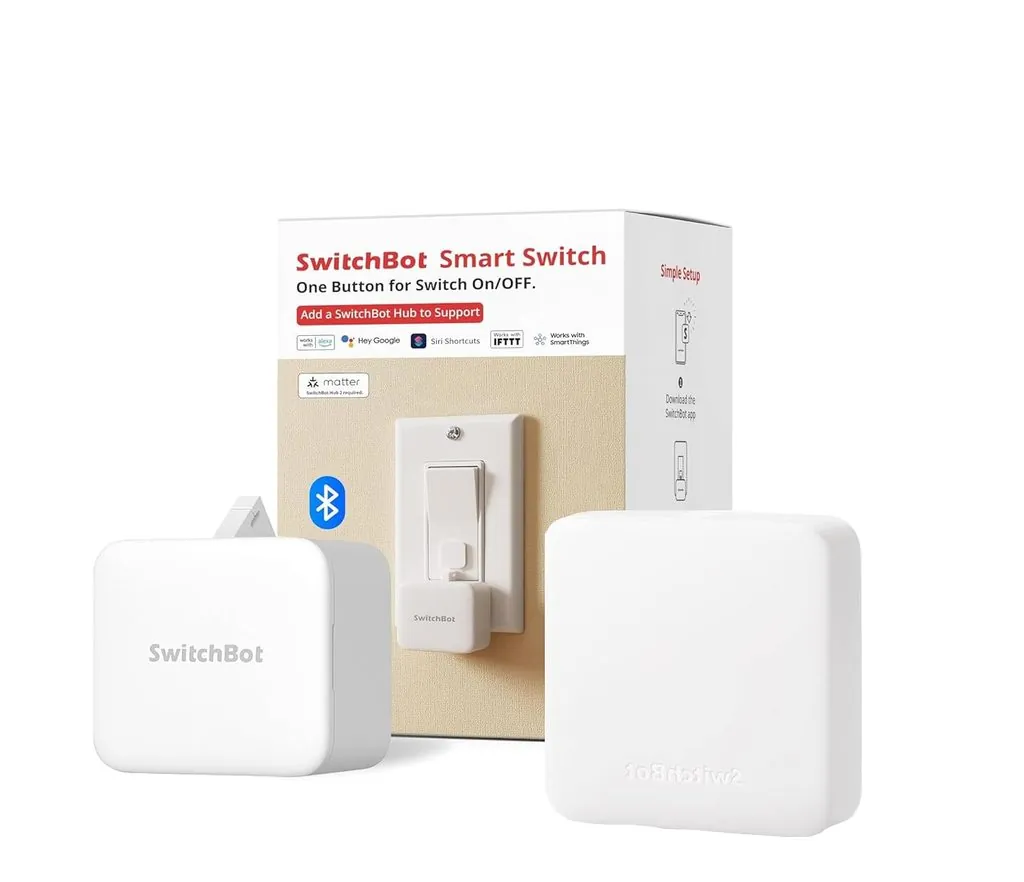
Typical price: About $49 for both · Works with: Alexa, Google Home, Siri Shortcuts
Every home has them: the appliances that will never be smart. The coffee machine with the deep mechanical power button. The apartment light switch your landlord won’t let you replace. The ten-year-old air conditioner that works perfectly but only speaks infrared remote.
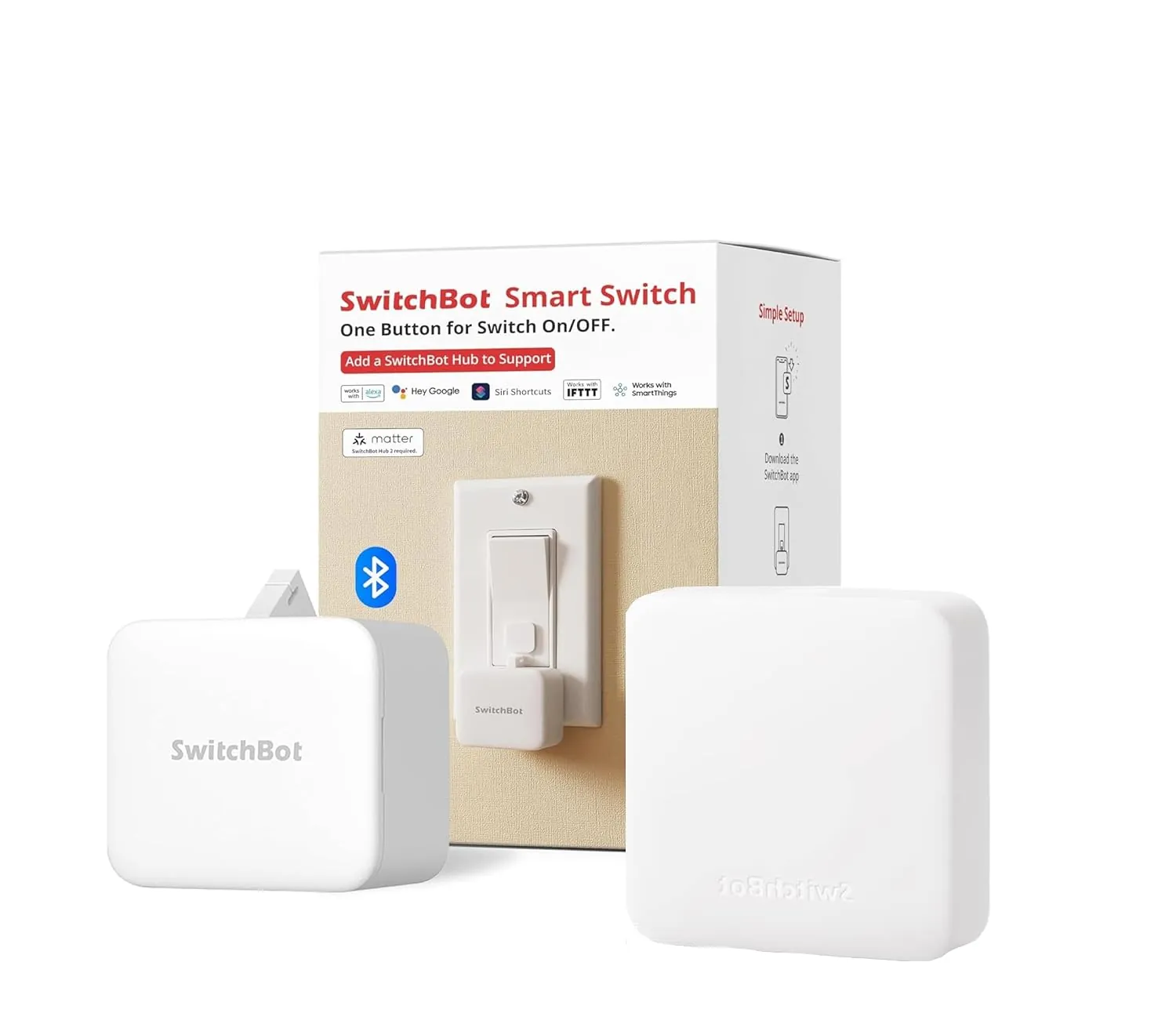
SwitchBot Bot takes a simple mechanical approach to automation: a small motorized arm physically presses a compatible button or switch. It attaches near the control and can be operated through the SwitchBot app, allowing devices that lack built-in smart connectivity to be automated without replacing them.
Potential uses include operating certain coffee machines, buttons, rocker switches and other controls that cannot be automated effectively with a smart plug. This can be particularly useful in rentals or situations where replacing the original switch or appliance isn’t practical.
Adding a compatible SwitchBot Hub expands remote and smart-home integration capabilities. Depending on the hub model, it can also provide infrared control for compatible TVs, air conditioners and other IR-controlled appliances.
The one drawback: The Bot physically operates a switch or button, so compatibility depends heavily on the shape, movement and placement of the control you’re trying to automate.
Best for: Renters and anyone trying to automate compatible physical buttons or switches without replacing the underlying device.
8. TP-Link Kasa KS200 — Voice Control for Your Actual Light Switches
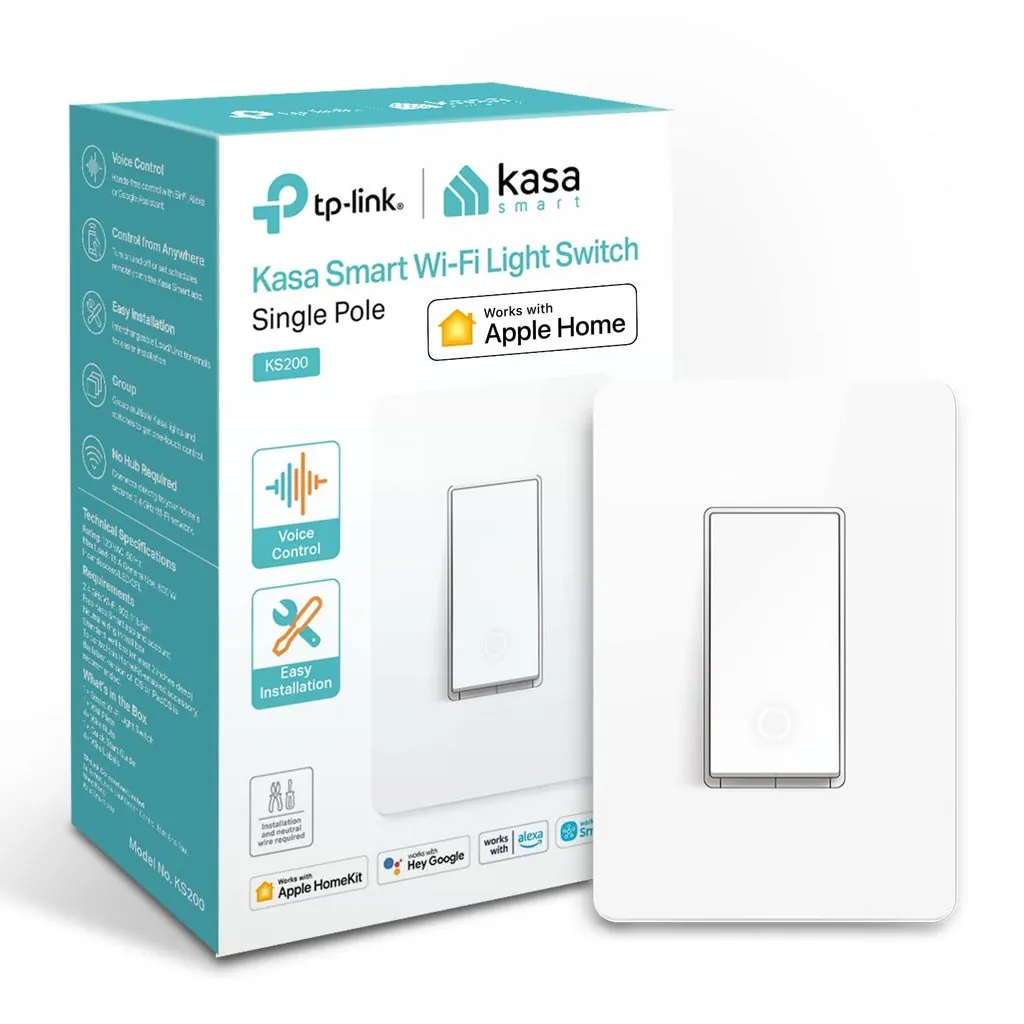
Typical price: around $19.99 · Works with: Alexa, Google Home · Hub required: No · Installation: requires neutral wire
Smart bulbs have an important limitation: if someone turns off the physical wall switch supplying power to the bulb, its connected features become unavailable until power is restored. A smart wall switch avoids that problem by making the switch itself part of the smart-home system.
The Kasa KS200 replaces a compatible traditional single-pole light switch and adds app control, schedules and supported voice-assistant control without requiring a separate hub. It connects over Wi-Fi and requires a neutral wire as part of its installation requirements.
Because installation involves household electrical wiring, buyers should confirm compatibility with their switch box and follow TP-Link’s installation instructions. If you’re not comfortable working with electrical wiring, use a qualified electrician rather than treating installation as a routine DIY task.
The one drawback: Requires compatible wiring, including a neutral wire, and isn’t as renter-friendly as smart bulbs or plug-in devices.
Best for: Hardwired lighting where you want smart control while retaining a normal physical wall switch.
9. GoveeLife Smart Mini Air Purifier — Clean Air Joins the Smart Home
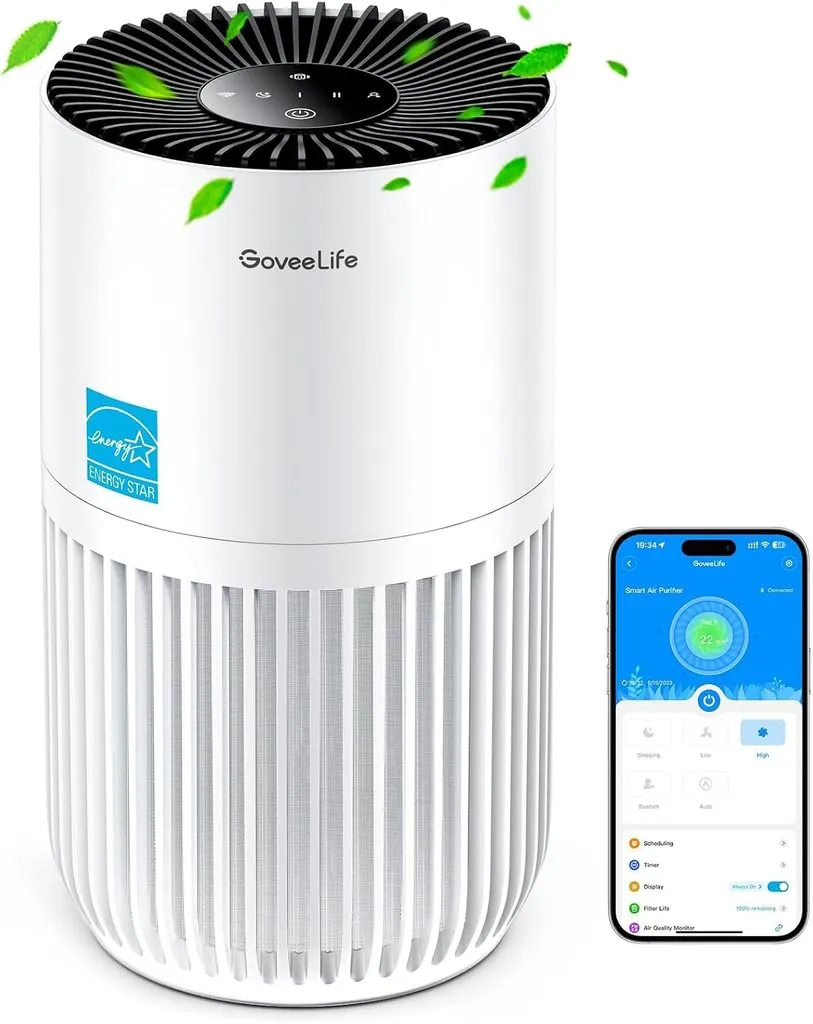
Typical price: $49.99 · Works with: Alexa, Google Home, Govee Home app · Hub required: No
The GoveeLife Smart Mini Air Purifier combines compact air filtration with connected controls through the Govee Home app. Supported smart features include remote control, scheduling and voice-assistant integration, making it possible to incorporate the purifier into daily routines.
Its compact size makes it primarily suited to smaller rooms rather than large open-plan spaces. Air-purifier performance should be evaluated using the manufacturer’s current coverage and clean-air specifications for the exact model rather than assuming that a small purifier will provide the same air-cleaning performance in every room.
Buyers should also account for the ongoing cost and availability of replacement filters. Smart controls add convenience, but filter performance, appropriate room sizing and regular replacement remain more important than app features.
The one drawback: Its compact format makes it better suited to smaller spaces; larger rooms may require a higher-capacity purifier.
Best for: Bedrooms, home offices and other appropriately sized smaller rooms.
10. GE Cync Smart Plug — The Future-Proof Pick
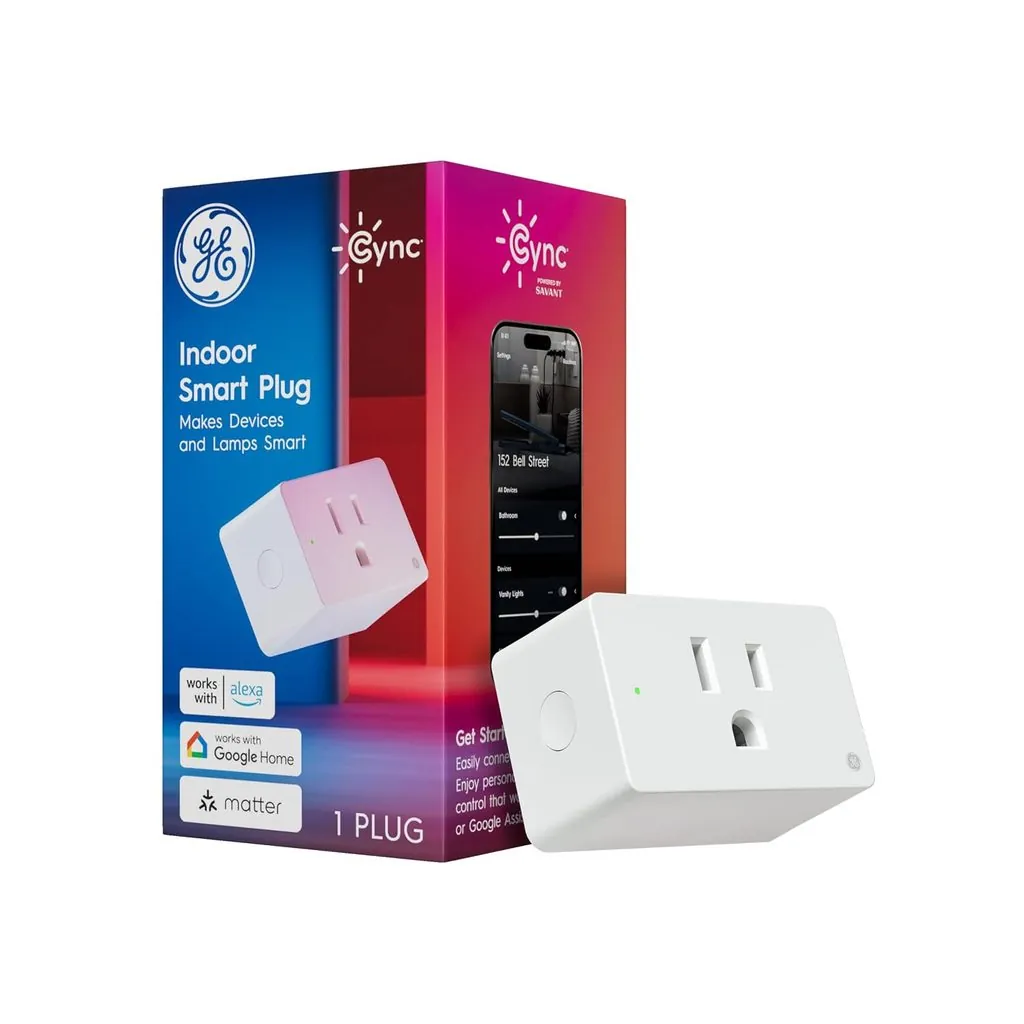
Typical price: $14.99 · Works with: Matter, Alexa, Google Home, Apple HomeKit, SmartThings · Hub required: No
Our final pick answers a question growing numbers of buyers are asking: “What if I don’t want to marry one ecosystem?”
The Cync Smart Plug is worth considering if cross-platform compatibility is a priority. Matter-compatible versions can work across supported ecosystems without tying the plug exclusively to one smart-home platform.
Matter can make compatible devices available across ecosystems such as Apple Home, Alexa, Google Home and SmartThings, although the exact experience still depends on the device, Matter controller and features implemented by each platform.
That makes the Cync particularly relevant for households using multiple ecosystems or buyers who want greater flexibility if their preferred smart-home platform changes later.
Compared with the Kasa EP25, the decision should be based on the exact hardware versions and features you need. The EP25 is particularly attractive when energy monitoring matters, while a Matter-compatible Cync model can be attractive when standardized cross-platform control is the priority. Verify the exact model’s Matter and ecosystem compatibility before purchasing.
Best for: Multi-platform households and buyers prioritizing Matter compatibility.
Building Your First Smart Home under $150
A common beginner mistake is buying scattered gadgets that never quite connect into a system. Here’s a deliberate build order using this guide’s picks — five purchases that can build a useful starter smart home for roughly $150, depending on current prices and compatibility.
| Order | Device | Approx. Cost | What It Adds |
|---|---|---|---|
| 1st | Amazon Echo Dot (5th Gen) | $30 | Voice control and the central brain |
| 2nd | Kasa EP25 2-Pack | $25 | Two automated appliances + energy insight |
| 3rd | Philips WiZ bulbs ×2 | $20 | Smart lighting in two key rooms |
| 4th | Kasa KS200 | $20 | Smart control for compatible hardwired lighting |
| 5th | Blink Wired Doorbell 2K+ | $50 | Video security at your front door |
| Total | ~$145 |
The sequence starts with the Echo Dot because it establishes Alexa voice control and routines for compatible devices. Smart plugs come next because they can add useful automation to existing appliances with minimal installation. Lighting, switches and security devices can then be added according to your home’s compatibility and priorities.
Five Mistakes First-Time Buyers Make (And How to Avoid Them)
After examining recurring complaints in customer reviews for the products in this guide, several buying and setup mistakes appeared repeatedly. The most useful lessons involve ecosystem compatibility, Wi-Fi setup, electrical limits, product quality and the interaction between smart bulbs and traditional wall switches.
Mixing ecosystems accidentally. Half your devices work with Alexa, half only with Google, and now no single voice command controls the living room. Decide your primary platform before your second purchase — or buy Matter-certified devices that support the ecosystems you plan to use.
Check Wi-Fi requirements during setup. Many affordable smart-home devices use 2.4 GHz Wi-Fi. If pairing fails, check the manufacturer’s setup instructions and confirm that your network configuration meets the device’s requirements.
Overloading smart plugs. Every smart plug has a maximum electrical load specified by the manufacturer. Check the rating printed on the plug and in its documentation before connecting an appliance. Be especially careful with high-wattage heating appliances and never exceed the manufacturer’s stated rating.
Ignoring safety certification and manufacturer support. For mains-powered devices such as smart plugs and switches, check the product’s electrical ratings and look for appropriate safety certification for your market. Established manufacturers are also more likely to provide documentation, firmware updates and ongoing app support.
Skipping the “dumb switch” problem. Smart bulbs die the moment someone flips the wall switch. Either train the household, cover switches with (removable) guards, or solve it properly with a smart switch like the KS200.
Frequently Asked Questions
Do budget smart home devices work as well as expensive ones?
Budget devices can handle many core functions — including remote control, schedules, voice commands and notifications — without requiring premium hardware. More expensive products may justify their price through better hardware, additional sensors, broader accessory ecosystems, advanced automation features, longer warranties or other capabilities. Compare the features you actually need rather than assuming that a higher price automatically means a better fit.
Do I need a hub to get started?
Not necessarily. Several devices in this guide connect directly over Wi-Fi and don’t require a proprietary hub. Others have additional requirements: the Aqara Water Leak Sensor requires a compatible Aqara hub, while Matter-over-Thread devices such as the Nanoleaf Essentials bulb require appropriate Matter-controller and Thread border-router infrastructure. Always check the complete setup requirements before buying.
Which ecosystem should I choose — Alexa, Google Home, or Apple HomeKit?
Start with the ecosystem your household already uses. Alexa, Google Home and Apple Home can all control a wide range of compatible smart-home products, but device support and available features vary. If you’re starting from scratch, compare the devices you expect to buy and choose the platform that supports them. Matter can improve cross-platform compatibility, although it doesn’t guarantee identical features in every ecosystem.
What is Matter, in plain English?
Matter is a shared standard that Amazon, Apple, Google, and Samsung all agreed to support — think of it as a common language for smart home gadgets. It is an interoperability standard designed to let compatible smart-home devices work across supported ecosystems such as Apple Home, Google Home, Amazon Alexa and SmartThings. Actual compatibility still depends on the device, controller and supported features. Matter support can be useful when cross-platform compatibility matters, but compare each device’s actual features, controller requirements and ecosystem support before buying.
Are these devices safe from a privacy perspective?
Privacy varies by device, manufacturer, account settings and the cloud services involved. Review the manufacturer’s privacy policy, keep device firmware updated, use strong unique passwords and enable two-factor authentication where available. Cameras such as the Blink doorbell deserve particular attention because they can capture video and audio, but non-camera devices may also transmit usage, diagnostic or account-related data. Check each manufacturer’s current privacy documentation if data collection is an important buying consideration.
Can renters really use all of this?
Most plug-in devices in this guide are relatively renter-friendly because they don’t require permanent electrical changes. Smart plugs, bulbs, the Echo Dot, air purifier and SwitchBot Bot can generally be removed when you move. The Blink Wired Doorbell 2K+ requires compatible wiring and installation, while the Kasa KS200 requires changes to household electrical wiring. Renters should check their lease or obtain permission before modifying installed doorbells, switches or other fixtures.
How much will these devices add to my electricity bill?
Usually less than the main appliances they control, but the exact cost depends on the device’s standby power and your electricity rate.
A simple estimate is:
Annual cost = watts × 24 × 365 ÷ 1,000 × electricity price per kWh
For example, a device that continuously uses 1 watt consumes about 8.76 kWh per year. At $0.20 per kWh, that works out to about $1.75 per year.
Smart plugs with energy monitoring can also help identify appliances that consume more electricity than expected, but the savings depend on what you discover and change.
Our Verdict
You don’t need a large budget to make a home noticeably smarter. The best sub-$50 devices are the ones that solve a specific everyday problem without creating a larger problem through subscriptions, compatibility issues or required accessories.
For most beginners, an Echo Dot provides a simple starting point for voice control and routines. Smart plugs are the easiest way to automate existing appliances, while smart bulbs offer inexpensive lighting control. Security and leak sensors can provide more practical protection than another novelty gadget.
Before buying, check three things: the exact model, the complete cost of getting it working, and whether it fits your existing smart-home ecosystem. A $20 device that needs $60 of additional hardware is not really a $20 solution.
Our recommendations and prices should also be treated as time-sensitive. Retail prices, hardware revisions, firmware and compatibility can change, so check the current product listing and manufacturer documentation before purchasing.

Ryan Hayes
Founder & EditorRyan Hayes is the founder and editor of Smart Space Advisor, where he researches and evaluates smart home technology to help readers make informed buying decisions. His work focuses on smart security, video doorbells, smart plugs, lighting, and connected-home platforms including Matter, Alexa, Google Home, and Apple Home. By combining product research, manufacturer documentation, feature comparisons, and real-world considerations, Ryan aims to cut through technical jargon and provide practical, straightforward advice about which smart home products offer genuine value.