
Choose smart bulbs for color, adjustable white light and easy upgrades to individual lamps. Choose a compatible wired smart switch or dimmer when you want familiar wall control over a group of lights. The best option depends on your fixtures, wiring and the way your household uses the room.
For one bedside lamp, a smart bulb can be a straightforward first purchase. For several ceiling lights controlled together, a smart switch may be more practical—provided it suits the wiring and lighting load.
You can also use both approaches in different parts of your home. The important part is understanding how they work before combining them on the same circuit.
This guide compares installation, cost, everyday control and compatibility so you can choose a useful setup without buying unnecessary equipment.
Smart Bulbs vs Smart Switches: Quick Comparison
In this comparison, “smart switch” means a wired device controlling the lighting circuit. Wireless buttons and scene controllers are covered separately below.
| Feature | Smart bulbs | Wired smart switches and dimmers |
|---|---|---|
| Where the smart controls sit | Inside each bulb | At the wall switch or lighting-control module |
| Installation | Replace a compatible bulb and configure it | Modify the fixed wiring |
| Existing bulbs | Replaces them | Can keep compatible conventional bulbs |
| Color changing | Available on color-capable models | Does not give ordinary bulbs color-changing capability |
| Adjustable white light | Available on tunable-white models | Does not independently add tunable white to ordinary bulbs |
| Brightness control | Built into dimmable smart bulbs | Requires a smart dimmer and compatible dimmable lighting |
| Individual light control | Possible for each separately addressable bulb | Normally controls all lights on its circuit together |
| Physical wall control | Cutting power at the wall removes smart connectivity | Wall controls normally remain usable |
| Wiring checks | Usually no change to fixed wiring | Neutral, circuit type, load and fitting requirements matter |
| Portability | Usually easy to move | Usually stays with the property |
| Hub requirements | Depend on the product and platform | Depend on the product and platform |
Neither category is automatically better for every home. Start with the room you want to improve.
What Is a Smart Bulb?
A smart bulb combines a light source with connected control electronics. Depending on the model, you can adjust brightness, choose colors, change white-light temperature or create schedules through a compatible app or platform.
Some bulbs connect directly to Wi-Fi. Others use Zigbee, Thread or Bluetooth and may need additional equipment for the functions you want.
For example, TP-Link’s Tapo L535E product documentation describes a Wi-Fi, Matter-enabled multicolor bulb. It illustrates how a bulb can add connected lighting and color without replacing a wall switch. Check the hardware version and regional specifications before purchasing.
A basic smart bulb may offer only one white color and dimming. “Smart” does not necessarily mean multicolor or adjustable white.
If you’ve decided bulbs are the better fit, compare our best smart light bulbs under $20 for affordable options.
What Is a Smart Switch?
A wired smart switch controls the electrical supply to a connected lighting circuit. A smart dimmer also adjusts brightness when used with compatible dimmable bulbs or fixtures.
This can make existing conventional lighting controllable through an app, schedule or supported voice assistant.
However, an on/off switch does not become a dimmer simply because it is smart. Likewise, a dimmer cannot turn an ordinary white bulb into a color-changing light.
Wireless smart switches are different
Some products called smart switches are battery-powered remotes or wireless scene controllers. They send commands to compatible bulbs or a hub rather than interrupting the lighting circuit.
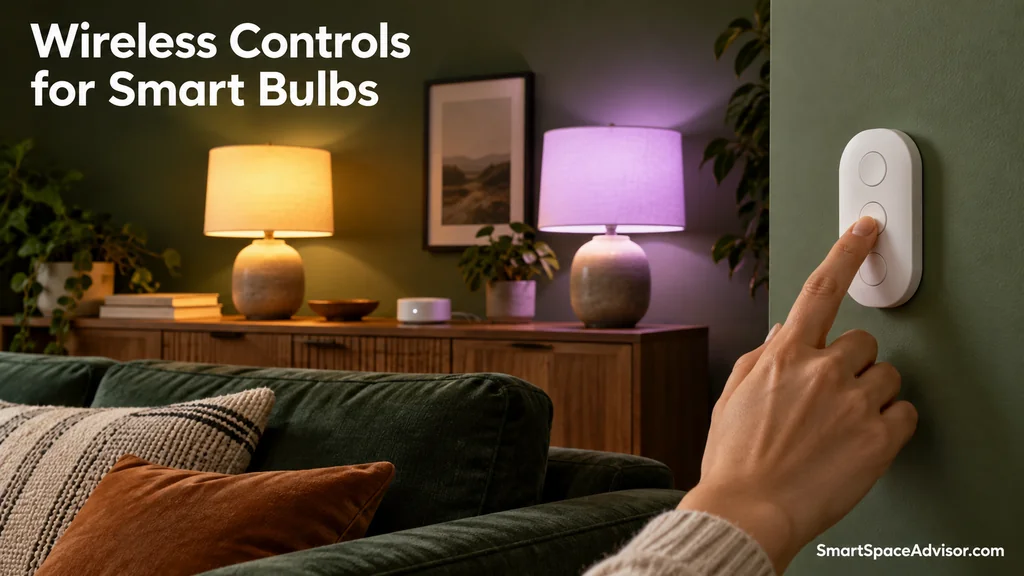
These can give smart bulbs convenient wall controls while allowing the bulbs to remain powered.
Philips Hue’s smart-switch guide includes the Lutron Aurora, which holds a compatible toggle switch in the on position while providing control for Hue lighting.
When comparing products, establish whether you are buying a wired load-control switch, a dimmer or a wireless controller. The installation and compatibility requirements differ.
The Biggest Everyday Difference: Using the Wall Switch
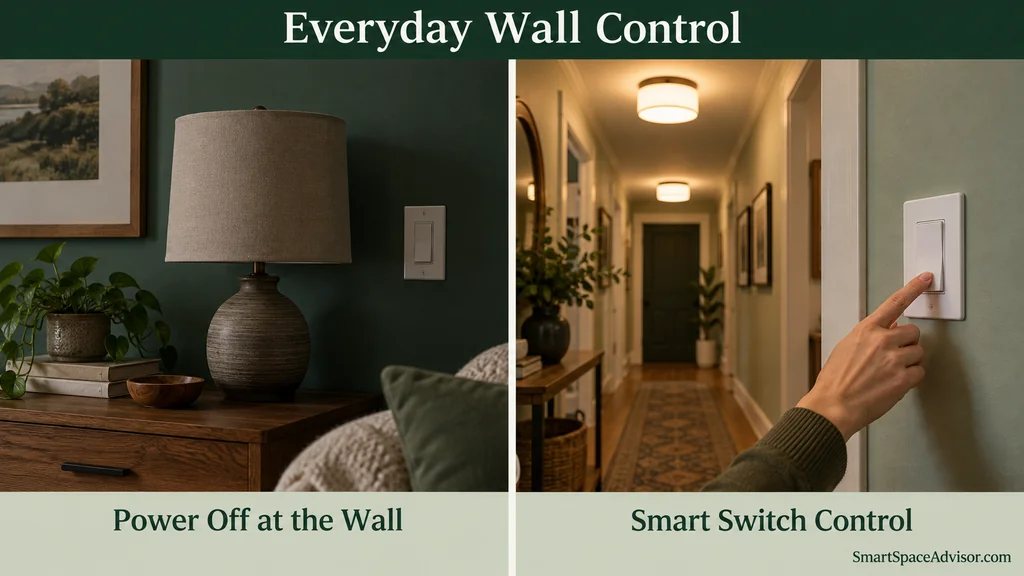
A smart bulb needs electrical power to receive app commands and participate in automations.
If someone switches off an ordinary wall switch supplying that bulb, it becomes unavailable until power is restored. Your bedtime routine cannot reach an unpowered bulb.
This often matters more than the number of colors a product offers. A technically capable lighting setup can still frustrate a household that expects to use the wall switches normally.
A compatible wired smart switch avoids that particular problem by putting connected control at the switch. Someone can operate the wall control without reaching for a phone.
For smart bulbs, a supported wireless button or scene controller can provide a similar convenient interface without cutting power.
Our guide to smart bulbs’ electricity use when off explains why electronic “off” and switching off at the wall are different states.
Which Is Easier to Install?
Smart bulbs: simpler for a compatible lamp
Replacing a suitable bulb generally avoids changes to fixed wiring. Check the socket type, supply voltage, physical dimensions and fixture restrictions.
A bulb also needs suitable brightness for the room. Compare lumens rather than assuming its electrical wattage tells you how bright it will look.
Enclosed fixtures, outdoor locations and damp areas require products explicitly rated for those conditions. A connected bulb is not automatically suitable for every fitting.
Smart switches: more checks before buying
A wired smart switch must match the installation. Important checks include:
- Whether the exact model needs a neutral wire.
- Whether the circuit is controlled from one location or multiple locations.
- The supported lighting load and maximum rating.
- Compatibility with LED drivers, transformers or other connected equipment.
- Wall-box dimensions and available space.
- The product’s voltage rating and regional suitability.
Neutral requirements vary even within a brand. Lutron lists its Diva smart dimmer, DVRF-6L, as not requiring a neutral, while its Claro smart switch requires one.
A no-neutral model still needs compatible wiring and loads. It is not a universal solution.
For fixed-wiring changes, use a qualified electrician if you are not competent to carry out the work, and follow applicable local requirements. Do not determine wiring compatibility from wire color alone.
Which Costs Less?
Compare the complete room setup, rather than the price of one bulb against one switch.
For smart bulbs, include all the bulbs you need, any required hub or controller, and an optional wireless remote.
For a switch-based setup, include the switch or dimmer, any required hub, accessories for multiple control locations, installation and replacement bulbs if the existing ones are incompatible.
An illustrative comparison
These are made-up figures to demonstrate the calculation, not current retail prices or an installation quote.
| Example | Calculation | Total |
|---|---|---|
| One smart bulb | 1 bulb × $15 | $15 |
| Six smart bulbs | 6 bulbs × $15 | $90 |
| One wired smart switch controlling six existing compatible bulbs | $40 switch + $80 installation | $120 |
This example shows why “one switch is cheaper than six bulbs” is not always true after installation.
If a compatible switch is installed during other electrical work, the additional cost may differ. If a hub or multi-location accessories are needed, the total can increase.
Also compare equivalent capabilities: six color-changing bulbs offer features that a switch controlling six ordinary white bulbs cannot provide.
Which Is Better for Dimming?
Both approaches can work well when the products are compatible.
A smart bulb normally performs dimming electronically inside the bulb. A wired dimmer controls a compatible lighting load.
Do not assume any bulb labelled “dimmable” will work with any wall dimmer. Dimming method, driver design, minimum load and product compatibility can affect performance.
Lutron’s LED compatibility tool helps match supported dimmers and tested bulbs. Its Caséta bulb-compatibility guidance also addresses the use of smart bulbs with its dimmers.
Before buying, check the manufacturer’s guidance for the exact combination.
Can You Use Smart Bulbs With Smart Switches?
Sometimes—but ordinary wired dimmers are not the same as controllers designed for smart bulbs.
A conventional on/off smart switch can cut power to a connected smart bulb. When it does, the bulb loses connectivity.
A wired dimmer can introduce additional incompatibility by changing the electrical supply. Do not pair it with smart bulbs unless the manufacturers explicitly approve that arrangement.
Suitable alternatives can include:
- A compatible wireless remote that sends commands to the bulbs.
- An approved controller or wall-switch module designed to keep compatible bulbs powered.
- A switch offering a manufacturer-documented smart-bulb or detached mode.
For that last option, verify whether the mode is supported on the exact model and how commands reach the bulbs. Physical control behavior and outage behavior can vary with the configuration.
You can also use smart bulbs in lamps and a wired smart dimmer for separate ceiling lights. A shared ecosystem can group them in a scene without putting both on the same controlled circuit.
Which Is Better for Each Room?
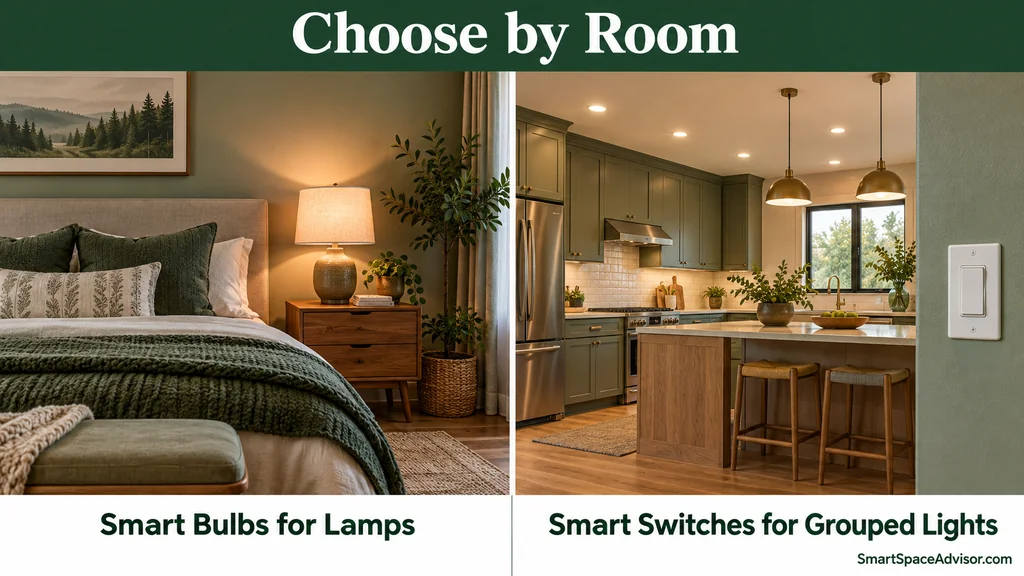
Bedroom: bulbs for adjustable light, switches for ceiling control
Choose a suitable smart bulb for a bedside lamp when you want dimming or adjustable white light without changing wall wiring.
Choose a compatible switch or dimmer for ceiling lights if straightforward wall control is the main priority.
A wireless bedside remote can help if you prefer smart bulbs but do not want to use your phone at night.
Kitchen: consider switches for grouped lighting
For several conventional ceiling lights normally operated together, a smart switch or dimmer is worth considering.
Check the actual fixture and driver compatibility, particularly for integrated LEDs. If you want separate color or white-temperature control over individual lights, bulbs or purpose-built smart fixtures may be more appropriate.
Living room: a mixed approach can be useful
Smart bulbs can suit accent lamps, while a wired dimmer controls compatible general lighting.
This keeps individual lighting effects separate from the everyday wall controls used by everyone.
Hallway or stairs: prioritize accessible physical controls
A compatible wired switch or dimmer can preserve familiar operation. For multi-location circuits, buy a system explicitly supporting the required arrangement.
Motion automation can supplement those controls, but choose a setup people can still operate directly.
Rental property: start with removable devices
Smart bulbs and wireless remotes often suit renters because they can be removed without changing fixed wiring.
Check your tenancy terms and obtain permission for any permanent modifications. Keep the original bulbs so you can restore the lighting when you move.
Do You Need a Hub or Smart Speaker?
Neither is automatically required for every bulb or switch.
Some products can be configured and controlled through their own app using Wi-Fi. Other systems need a compatible hub, bridge or controller.
A smart speaker adds voice control where supported, but it is not a universal prerequisite for connected lighting.
Matter can simplify cross-platform compatibility, although the device’s connection type and your chosen platform still determine infrastructure requirements. Matter-over-Thread devices need suitable Thread networking, including a Border Router for communication with the rest of the home network.
Our Matter explainer and Matter, Zigbee and Z-Wave comparison explain these distinctions.
Which Works Better Without Internet?
The answer depends on the control system, rather than just whether you bought bulbs or switches.
A supported local button, controller or automation may keep working when broadband goes down. Cloud-dependent commands may not.
A compatible wired smart switch will normally retain its physical lighting control while it has power, even if app or voice functions are unavailable. Smart bulbs can retain supported local control while powered and connected to the required local equipment.
Do not equate an internet outage with a power cut. Neither an ordinary mains-powered bulb nor a wired lighting switch can keep the lights illuminated without an electrical supply.
Test the specific functions you need rather than relying on “Wi-Fi,” “Matter” or “hub-based” as a guarantee.
Our guide to smart home devices without internet explains which controls and automations can continue during an outage.
Do Smart Bulbs or Switches Save More Electricity?
Neither is automatically the better energy-saving choice.
Savings depend on the original lighting, brightness, operating hours and whether your schedules prevent unnecessary use. Replacing inefficient lighting with LEDs is a different change from adding smart control to LEDs you already own.
Connected bulbs and switches can also consume standby electricity. Compare published specifications where available instead of assuming one category always uses less.
Buy smart lighting primarily for the control you want. Treat energy savings as dependent on how you use it.
Frequently Asked Questions
Will a smart switch control ordinary LED bulbs?
A suitable on/off switch can control compatible ordinary LEDs. Dimming requires a smart dimmer and compatible dimmable lighting. Check the load rating and manufacturer guidance.
Can one smart bulb work in a fixture containing several ordinary bulbs?
It may, if the fixture and bulb are compatible, but only the smart bulb gains individual connected features. Switching off the shared circuit cuts power to all the bulbs.
Do all smart switches require a neutral wire?
No. Some do and others do not. Requirements vary by exact model, lighting load and installation.
Can a smart switch change bulb colors?
A wired switch controlling ordinary bulbs cannot add color-changing capability. A compatible scene controller can send color commands to color-capable smart bulbs.
Which is better for someone new to smart homes?
For a suitable lamp, a smart bulb is often an easier first experiment. For grouped ceiling lighting and familiar wall operation, a compatible wired switch may be the better room-level upgrade.
Our Recommendation: Choose by Room
Start with smart bulbs when you want individual lighting features without changing fixed wiring. Start with a compatible smart switch or dimmer when you want everyday wall control over grouped conventional lights.
For a mixed home, use bulbs where color and adjustable white matter, and switches where straightforward shared control matters.
Before purchasing, check the complete cost, wiring or socket compatibility, dimming requirements and any extra equipment. Our smart-home setup guide can help you build that plan one room at a time.

Ryan Hayes
Founder & EditorRyan Hayes is the founder and editor of Smart Space Advisor, where he researches and evaluates smart home technology to help readers make informed buying decisions. His work focuses on smart security, video doorbells, smart plugs, lighting, and connected-home platforms including Matter, Alexa, Google Home, and Apple Home. By combining product research, manufacturer documentation, feature comparisons, and real-world considerations, Ryan aims to cut through technical jargon and provide practical, straightforward advice about which smart home products offer genuine value.