
Affiliate Disclosure: SmartSpaceAdvisor.com is a participant in the Amazon Services LLC Associates Program. We may earn a commission when you buy through our links at no extra cost to you. Our recommendations are always based on honest research — never paid placements.
Introduction: Why Smart Plugs Are the Smartest First Step
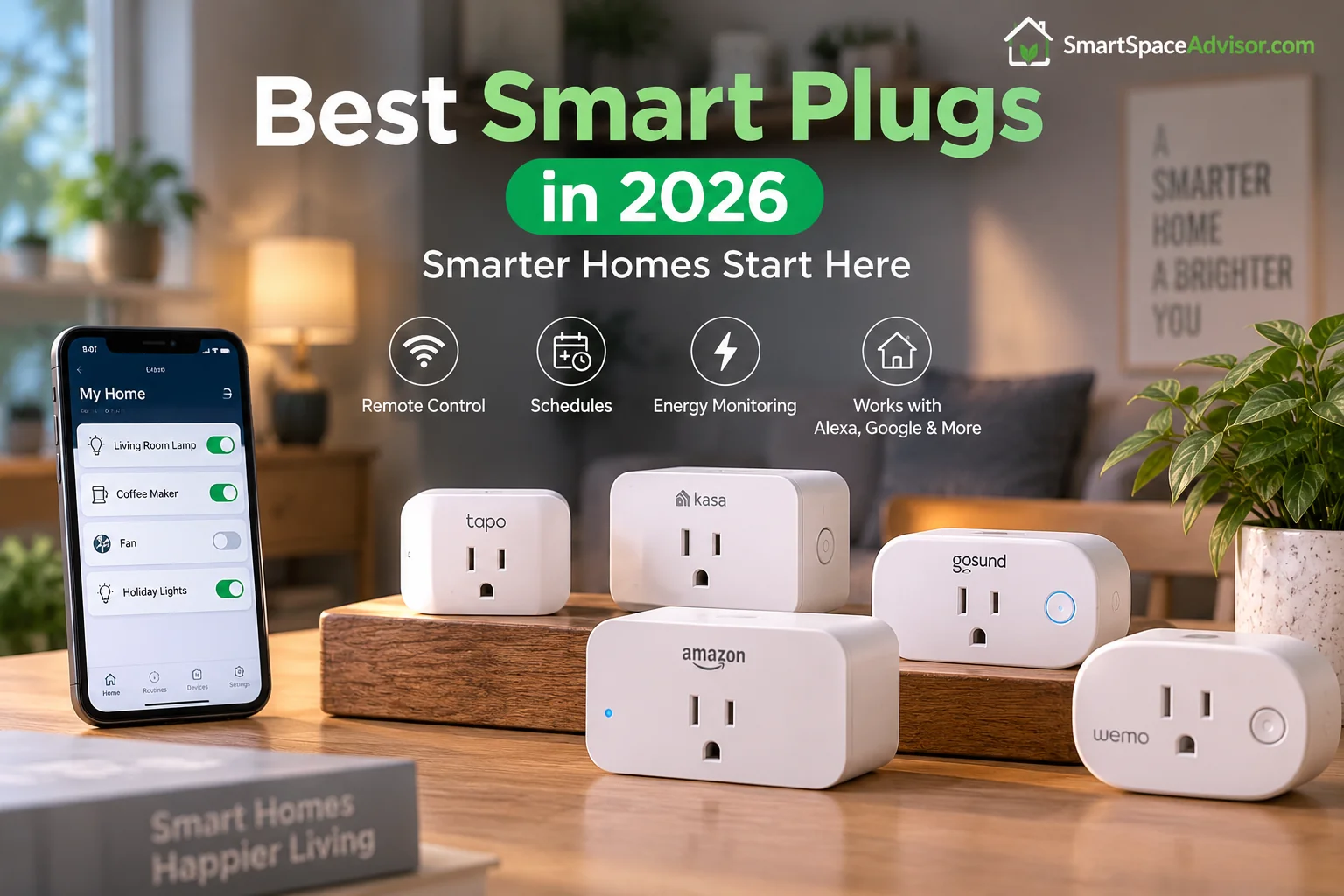
A smart plug is one of the easiest and most affordable ways to start building a smart home. Simply plug it into a standard outlet, connect it to your smart home app, and you can control compatible appliances from your phone or with your voice—without rewiring your home.
Today’s best smart plugs offer more than basic on/off control. Depending on the model, you can get features such as scheduling, energy monitoring, remote control, Matter compatibility, and support for Alexa, Google Home, Apple Home, and other smart home platforms.
Whether you want to automate your coffee maker, monitor energy usage, or control appliances while you’re away, the right smart plug can make everyday routines easier. In this guide, we compare the best smart plugs of 2026 and explain exactly what to look for before buying.
If you’re just getting started and want the full picture beyond plugs, our guide to the best budget smart home devices under $50 covers a complete starter kit — including where plugs fit into the bigger picture.
Quick Answer: Our Top Picks at a Glance
| Image | Product | Best For | Price |
|
1
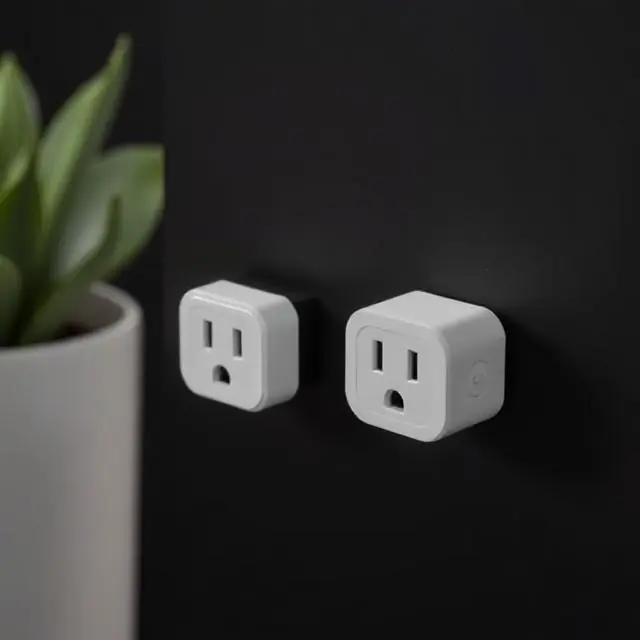 |
Kasa EP25 |
Best Overall Smart Plug |
$9-$12
|
|
2
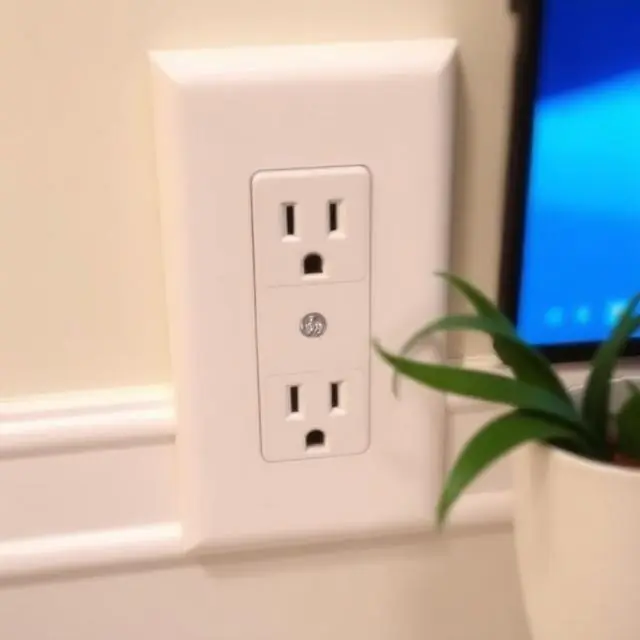 |
GE Cync Smart Plug |
Best Matter-Certified Option |
$15-$20
|
|
3
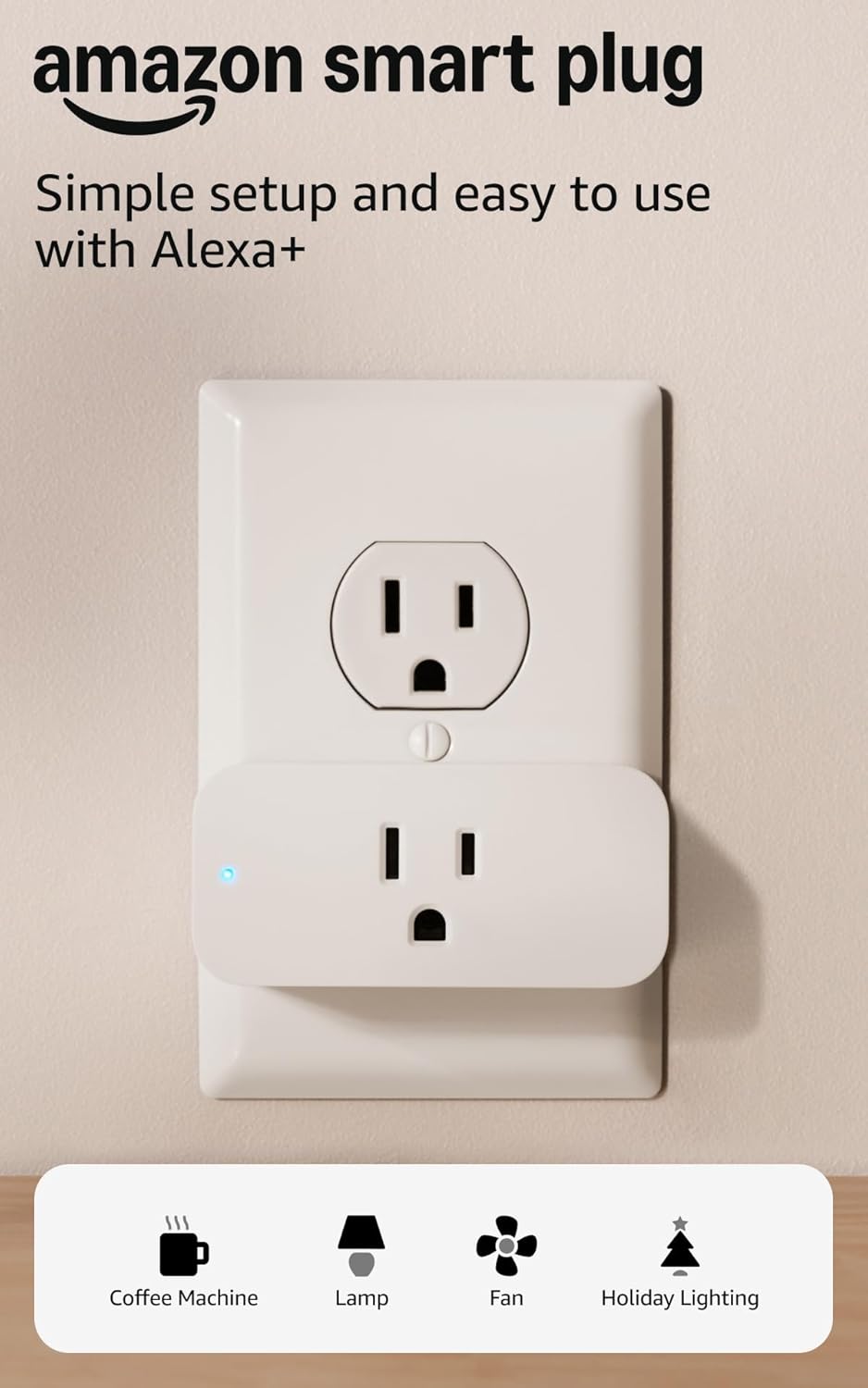 |
Amazon Smart Plug |
Best for Alexa Households |
$19.99
|
|
4
 |
Wemo Mini Smart Plug |
Best for Apple HomeKit |
$27
|
|
5
 |
Govee Smart Plug |
Best Budget Pick |
$15–$18
|
|
6
 |
Kasa EP40 Outdoor Smart Plug |
Best Outdoor Option |
$29.99
|
|
7
 |
Meross Smart Plug Mini |
Best for Multi-Ecosystem Homes |
$14-$18
|
|
8
 |
TP-Link Tapo P115 |
Best Smart Plug Under $10 |
$6–$10
|
|
9
 |
Wyze Plug |
Simplest Small Plug |
$14-$20
|
|
10
 |
Emporia Vue Smart Plug |
Best for Whole-Home Energy Tracking |
$12
|
What Exactly Is a Smart Plug? (And How Does It Work?)
A smart plug — sometimes called a smart outlet adapter or connected socket — is a device that slots into a standard electrical outlet and adds wireless controllability to whatever is plugged into it. The appliance itself remains entirely dumb; the intelligence lives in the adapter.
Most smart plugs communicate via your home’s 2.4GHz Wi-Fi network, though some use Zigbee, Z-Wave, or the newer Matter-over-Thread protocol. Once connected, they can be controlled via a companion smartphone app, voice commands through Alexa, Google Home, or Apple Siri, or automated triggers built through platforms like Amazon Routines, Google Home Scripts, or Apple Shortcuts.
The practical upshot is remarkable. Your existing lamp, coffee maker, fan, humidifier, slow cooker, space heater, or television — any appliance that runs on a simple on/off toggle — becomes schedulable, voice-controllable, and remotely accessible from anywhere in the world.
How it works in three steps: (1) The plug connects to your Wi-Fi. (2) Your phone app or voice assistant sends a command to the plug’s cloud server. (3) The server relays the signal to the plug, which switches the outlet on or off. Matter-enabled plugs can also operate locally — no cloud required — which is faster and more reliable.
“If you’re building your very first smart home setup rather than just adding plugs to an existing one, see our step-by-step beginner’s guide for the full picture.”
Key Features to Evaluate Before You Buy
With dozens of smart plugs flooding the market at every price point, differentiating between them requires more than a cursory glance at the star rating. Here are the six features that genuinely separate excellent smart plugs from frustrating ones.
Wi-Fi vs Zigbee vs Matter — Which Protocol Is Right for You?
This is the single most important technical decision you will make when purchasing a smart plug.
Wi-Fi plugs are the most accessible. They connect directly to your existing network — no hub required — and work immediately after a short setup process. The downside: Wi-Fi plugs add to network congestion, can be sluggish to respond when cloud servers are involved, and occasionally struggle in larger homes with weak signal coverage in certain rooms.
Zigbee plugs require a separate hub (such as the Amazon Echo Plus, Samsung SmartThings, or a dedicated Zigbee coordinator), but they communicate on a dedicated mesh network that doesn’t burden your Wi-Fi. They’re faster, more reliable over distance, and don’t depend on internet connectivity for local commands.
Matter is the newest standard — and the most exciting. Matter-certified plugs operate across Apple HomeKit, Amazon Alexa, Google Home, and Samsung SmartThings without being locked into any single ecosystem. Better yet, Matter plugs support local processing via Thread, meaning commands execute in milliseconds even when your internet is down. If you’re buying new hardware in 2026, prioritizing Matter compatibility is a wise long-term decision.
| Pro Tip: If you’re just starting out with one or two devices, Wi-Fi is the easiest choice. If you’re building a larger ecosystem, Matter is the future-proof choice. |
Energy Monitoring: A Hidden Money-Saver
Not all smart plugs monitor energy consumption — but the ones that do can pay for themselves. Energy monitoring plugs measure the wattage drawn by connected appliances in real time and log historical consumption data in the companion app.
This seemingly mundane feature has surprisingly revelatory consequences. Many households discover that their always-on entertainment systems, desktop computers left in sleep mode, or ancient refrigerators in the garage are consuming far more electricity than anticipated. A $25 smart plug that identifies a $15/month energy vampire pays for itself in fewer than two billing cycles.
Look for plugs that display real-time wattage, historical daily and monthly usage, and estimated cost calculations based on your local electricity rate.
Scheduling and Automation Capabilities
A smart plug without robust scheduling is little more than an expensive extension cord. The best smart plugs offer granular scheduling (time of day, days of week, sunrise/sunset triggers), conditional automations (if X then Y), and integration with third-party platforms like IFTTT, Amazon Routines, and Apple Shortcuts.
Pay attention to whether automations run locally or require cloud connectivity. Local automations execute even when your router loses internet access — a critical distinction for reliability-minded users.
Compact Form Factor and Outlet-Blocking
Physical design matters more than most buyers anticipate. A smart plug that blocks the adjacent outlet in a duplex receptacle effectively halves your available sockets. The best smart plugs use a rotated or recessed blade design that preserves access to both outlets. Always check product dimensions and user photos before purchasing.
Voice Assistant Compatibility
Confirm that your chosen plug works with your preferred voice assistant ecosystem before purchasing. Alexa, Google Home, and Apple HomeKit each have slightly different device certification requirements. Matter-certified plugs sidestep this entirely by supporting all three natively.
App Quality and Reliability
An excellent hardware device can be undermined entirely by a poorly designed app. The best smart plug apps offer intuitive device grouping, clear scheduling interfaces, responsive toggle controls, and stable performance without frequent login prompts or server outages. Brands like Kasa (TP-Link), Govee, and Wyze have earned strong reputations for app quality. Avoid obscure brands whose apps have poor ratings or infrequent updates.
Our Top 10 Best Smart Plugs of 2026 — Ranked and Reviewed
After extensive research and analysis of real-world user feedback, technical specifications, and long-term reliability data, here are the ten best smart plugs available in 2026.
1. Kasa EP25 — Best Overall Smart Plug
| Price: ~$9–$12 per plug (2-pack ~$18–$24) | Protocol: Wi-Fi 2.4GHz | Works with: Alexa, Google Home, SmartThings |
The Kasa EP25 has occupied the top position in the budget smart plug category for over two years — and in 2026, it remains the definitive recommendation for the vast majority of buyers. It is the sweet spot where value, reliability, and feature completeness converge without compromise.
Setup is genuinely effortless. The Kasa app walks first-time users through a pairing process that takes under three minutes, even for those with no prior smart home experience. The plug connects to your 2.4GHz Wi-Fi network without demanding a separate hub, bridging device, or account subscription.
The EP25’s energy monitoring capability is particularly impressive at this price tier. The companion app logs real-time wattage draw, historical daily consumption, and estimated monthly cost. For households running multiple always-on appliances, this data is revelatory.
Physically, the EP25 features a side-oriented plug blade that preserves access to the adjacent outlet in most standard duplex receptacles — a thoughtful design detail that cheaper competitors frequently neglect. The device is UL-certified and carries full FCC approval.
TP-Link’s Kasa ecosystem is one of the most mature in the consumer smart home space. The app receives consistent updates, Alexa and Google Home integrations are stable, and the brand maintains a track record of longevity that no-name competitors cannot match.
Read our Kasa vs Gosund Smart Plugs Comparison.
| Best for: First-time smart home buyers, energy-conscious households, anyone wanting maximum reliability at minimum cost. |
2. GE Cync Smart Plug — Best Matter-Certified Option
| Price: ~$15-$20 | Protocol: Matter over Wi-Fi | Works with: Alexa, Google Home, Apple HomeKit, SmartThings |
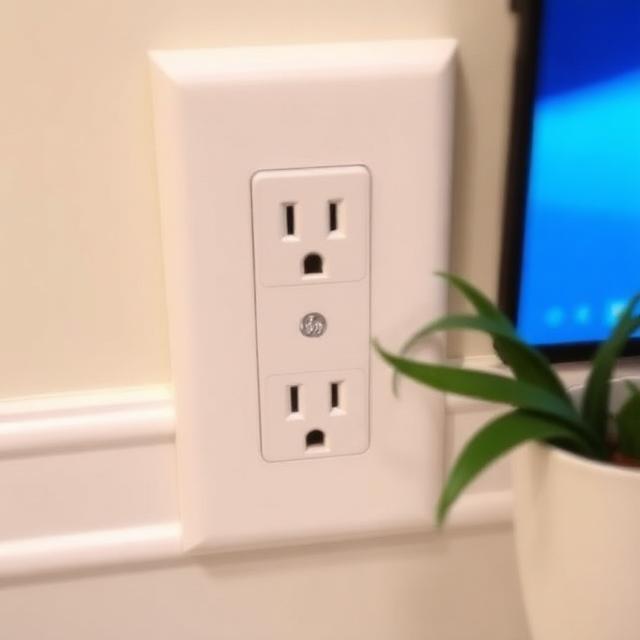
For buyers who are serious about building a future-proof smart home ecosystem, the GE Cync Smart Plug is the definitive choice in 2026. Its Matter certification means it operates natively across every major smart home platform — no ecosystem lock-in, no compatibility guesswork.
The practical implications of Matter are significant. Commands execute locally, meaning your light or appliance responds even if your internet connection drops entirely. Response latency is perceptibly faster than cloud-dependent Wi-Fi plugs, often sub-100 milliseconds. And because Matter is an open standard backed by Apple, Amazon, Google, and Samsung, your GE Cync plug will remain compatible with future platforms and devices regardless of how the ecosystem landscape evolves.
The compact form factor avoids blocking adjacent outlets, and setup — while slightly more involved than basic Wi-Fi plugs — remains achievable for most users within five to ten minutes. The GE Cync app is clean and functional, though users will likely migrate entirely to their preferred platform (HomeKit, Alexa, etc.) after initial setup.
The only meaningful limitation is price — the GE Cync commands a modest premium over basic Wi-Fi alternatives. For most users, that premium is well justified by the long-term flexibility it provides.
| Best for: Multi-ecosystem households, Apple HomeKit users, anyone investing in a long-term smart home build. |
3. Amazon Smart Plug — Best for Alexa Households
| Price: ~$19.99 | Protocol: Wi-Fi 2.4GHz | Works with: Alexa (optimized) |
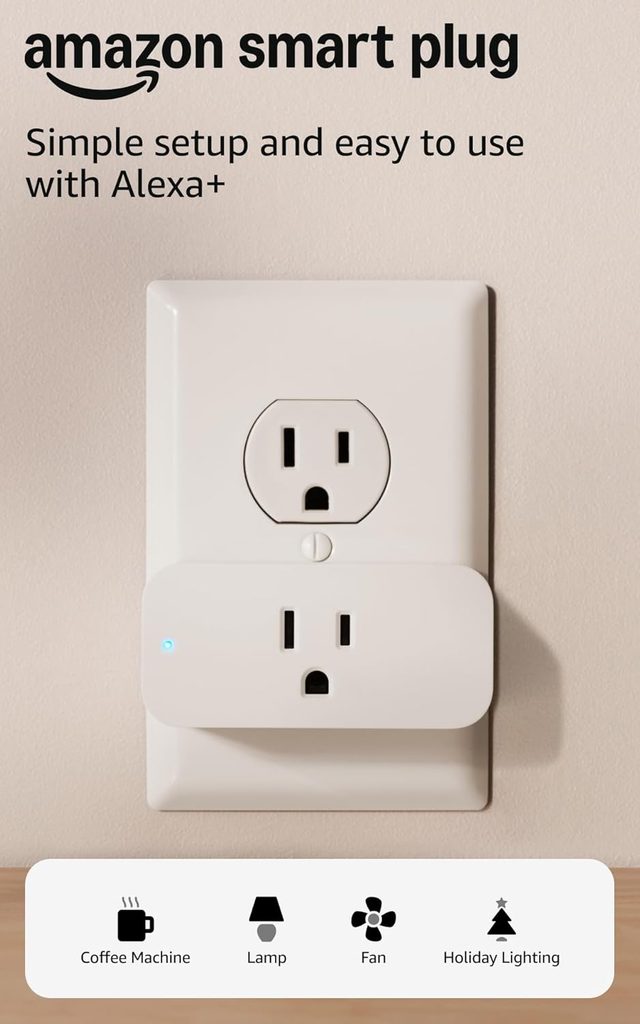
Amazon’s own-brand smart plug is the most friction-free onboarding experience in the entire smart plug category — provided you are already embedded in the Alexa ecosystem. Setup is initiated with a single voice command: ‘Alexa, set up my smart plug.’ The device appears in the Alexa app within seconds.
For Alexa Routines integration, the Amazon Smart Plug is unmatched. It responds to routine triggers instantaneously, with none of the occasional latency that third-party devices sometimes exhibit when communicating with the Alexa cloud. If your primary use case is automating appliances through Alexa voice commands and scheduled routines, this plug is the most seamlessly integrated option available.
The limitations are real, however. The Amazon Smart Plug does not support Google Home or Apple HomeKit natively. It lacks energy monitoring. And its physical footprint is slightly larger than competitors, occasionally blocking adjacent outlets. It’s a specialist tool — extraordinary in its lane, limited outside of it.
| Best for: Alexa-first households who want the simplest possible setup experience. |
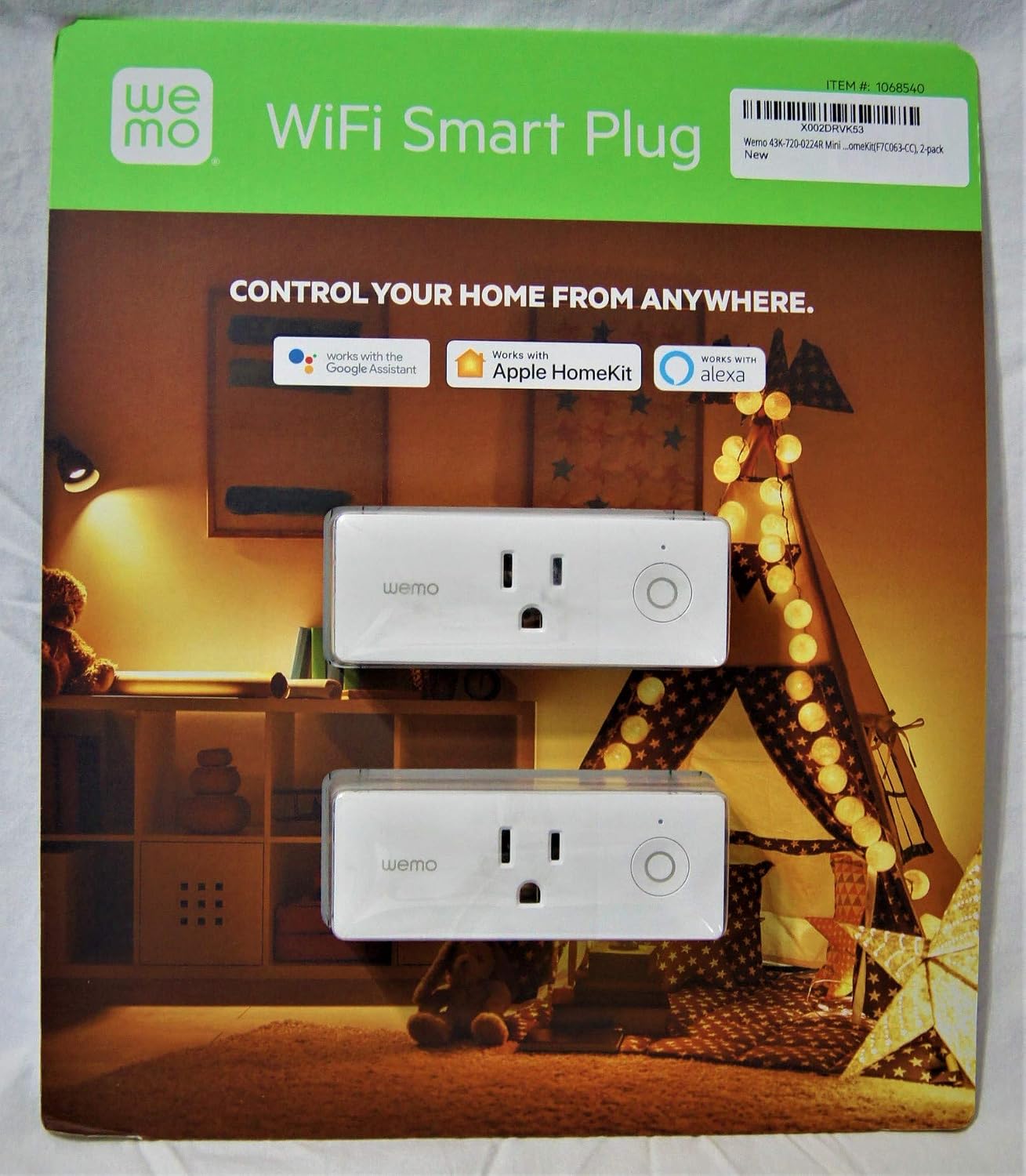
4. Wemo Mini Smart Plug — Best for Apple HomeKit
| Price: ~$27 per plug | Protocol: Wi-Fi 2.4GHz | Works with: Apple HomeKit, Alexa, Google Home |
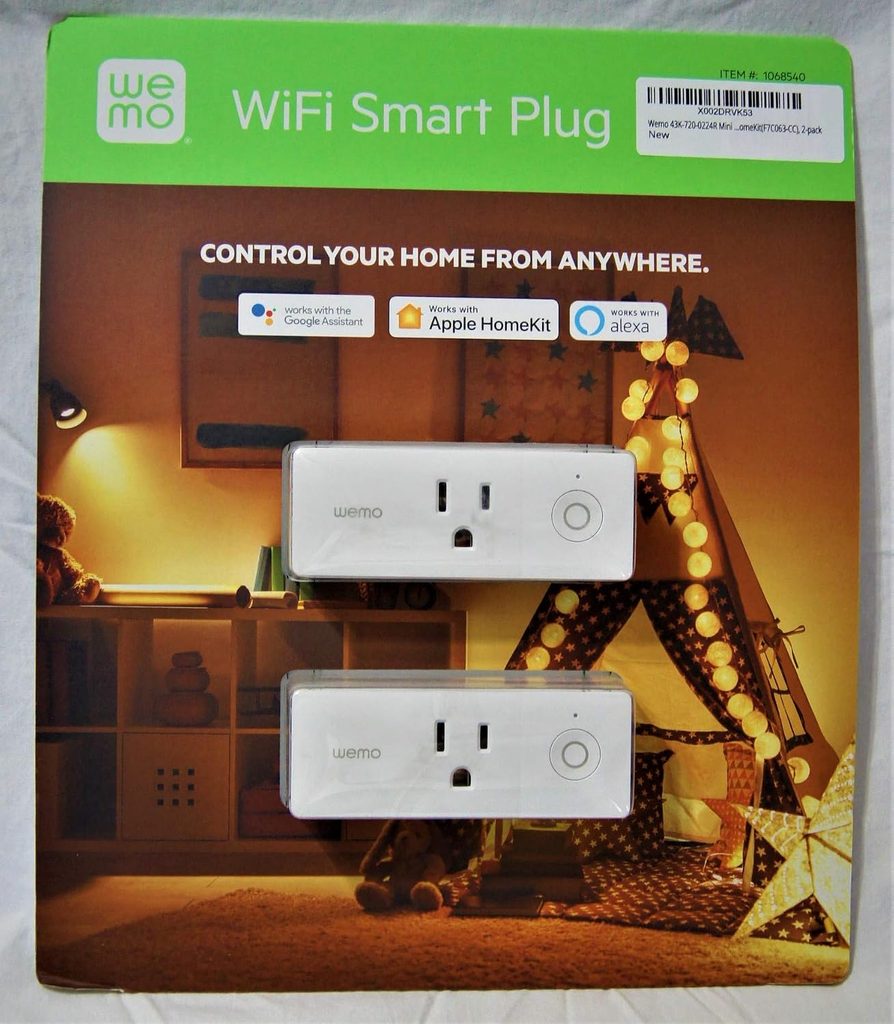
Apple HomeKit users have long contended with a frustratingly limited selection of smart plugs, given HomeKit’s stringent certification requirements. The Wemo Mini remains the most consistently reliable HomeKit-certified smart plug on the market in 2026.
Wemo’s integration with the Apple Home app and Siri is native and seamless — no workarounds, no third-party bridges, no Home Assistant intermediaries. Automations built in the Apple Home app execute with the reliability and privacy protections that Apple users expect. The device also integrates with the Wemo companion app for users who prefer a dedicated interface.
The compact form factor is genuinely impressive — one of the smallest HomeKit-certified plugs available. It does not block adjacent outlets in standard duplex receptacles. The absence of energy monitoring is a notable omission at this price point, but HomeKit purists will find the trade-off acceptable.
| Best for: Apple HomeKit users who want native, reliable Siri and Home app integration. |
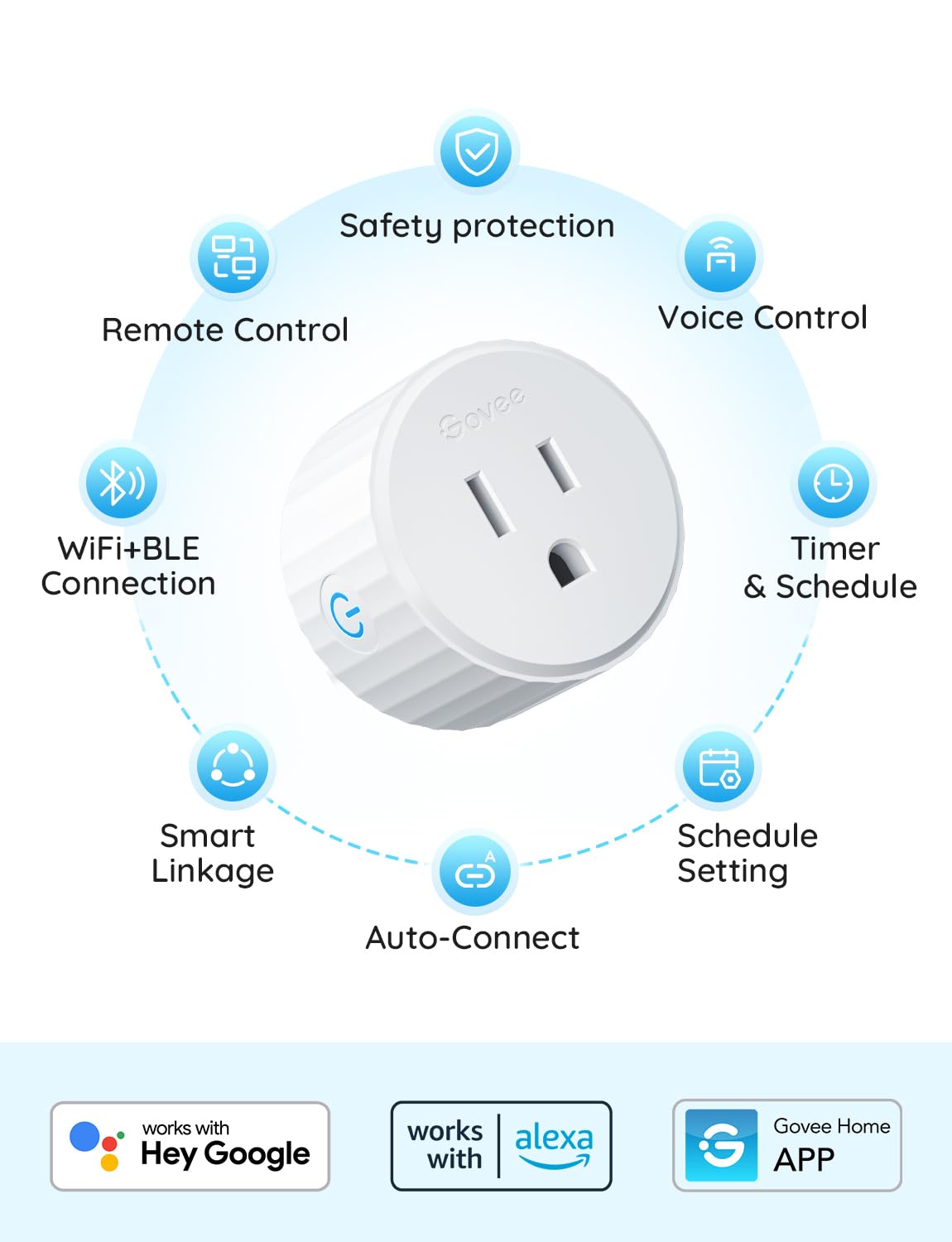
5. Govee Smart Plug — Best Budget Pick
| Price: ~$15–$18 per plug | Protocol: Wi-Fi 2.4GHz | Works with: Alexa, Google Home |
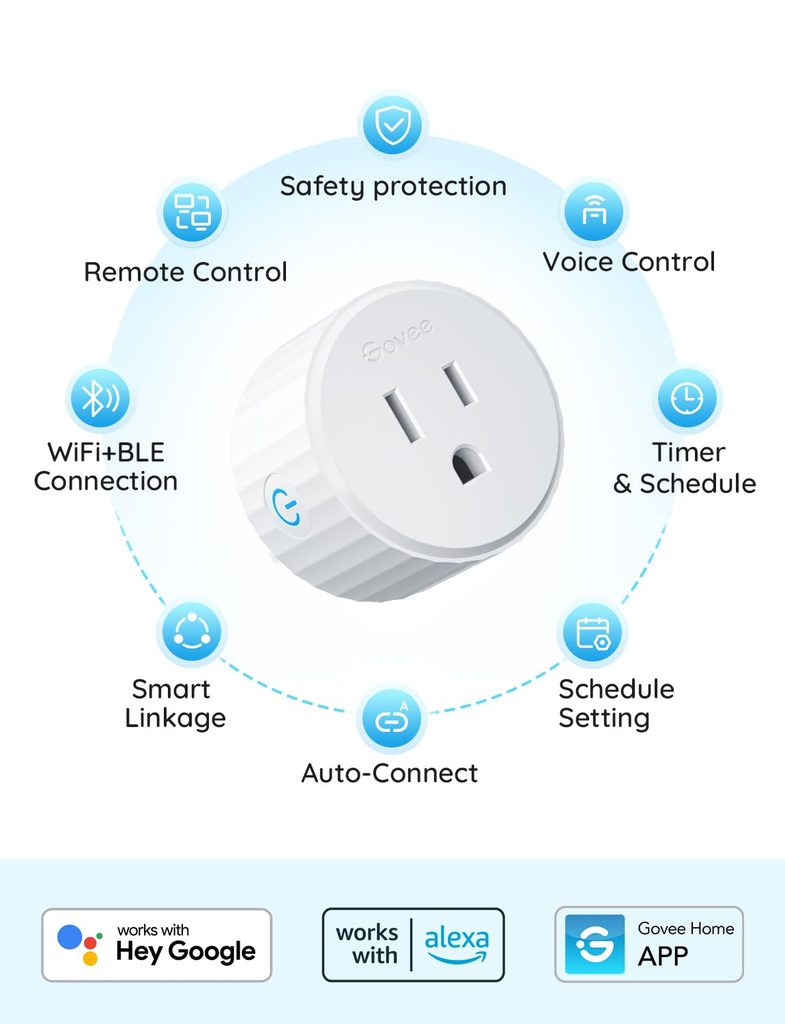
When the objective is to automate as many outlets as possible at the lowest conceivable cost, the Govee Smart Plug is the answer. At $6–$10 per unit in multi-packs, it undercuts virtually every competitor while delivering a feature set that belies its price.
The Govee app — shared with the brand’s extensive smart lighting lineup — is surprisingly polished and intuitive. Scheduling, grouping, and countdown timers all function reliably. Alexa and Google Home integrations are stable. The plug’s compact design avoids blocking adjacent outlets.
Caveats exist. Govee’s cloud dependency means automations require internet connectivity, and the brand’s long-term server longevity is less established than Kasa or Amazon. For low-stakes use cases — automating a desk lamp, a fan, holiday lights, or a humidifier — these limitations are unlikely to matter. For mission-critical applications, invest in a more established brand.
| Best for: Budget-conscious buyers, seasonal decorations, low-stakes automation at scale. |
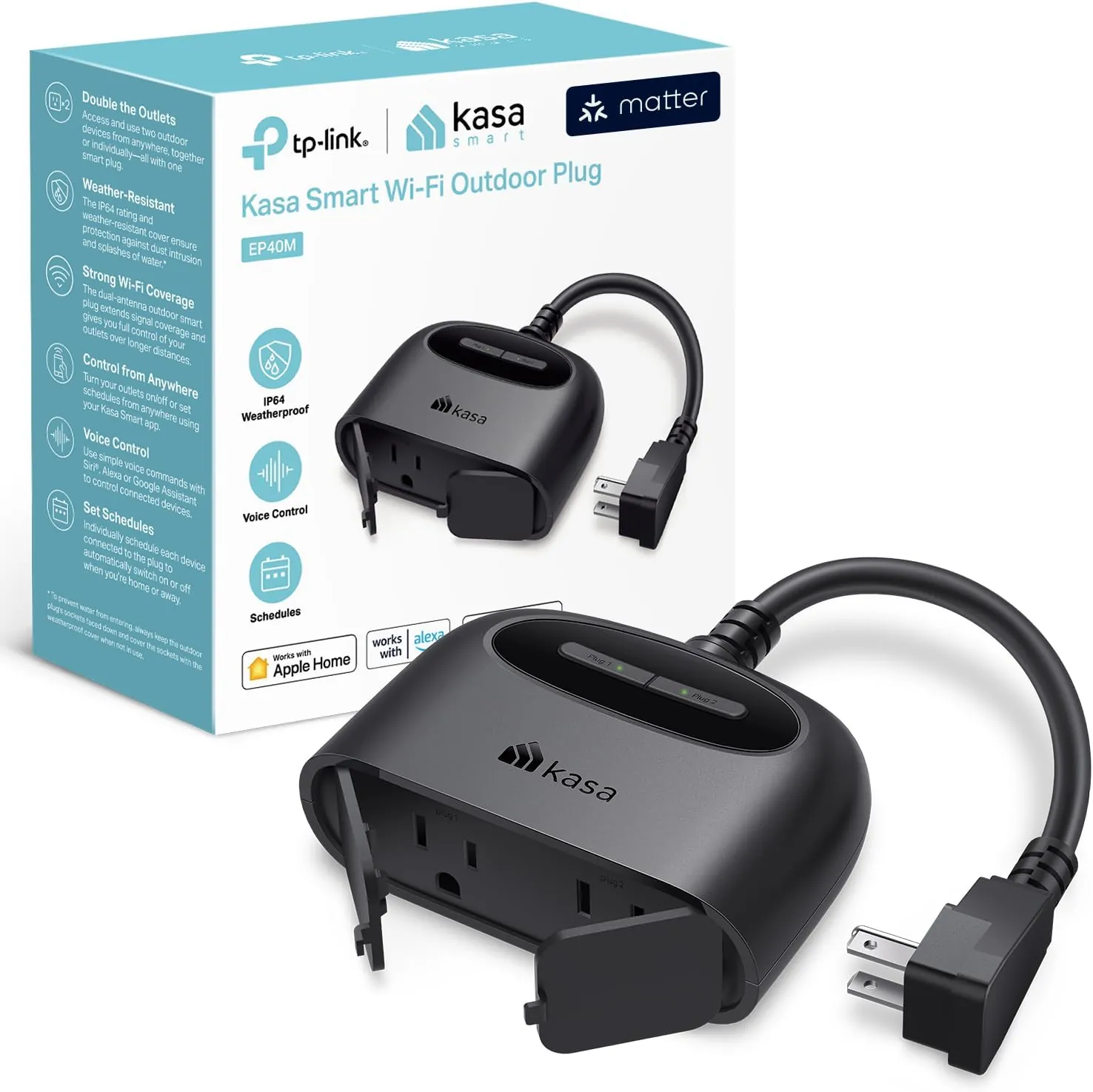
6. Kasa EP40 Outdoor Smart Plug — Best Outdoor Option
| Price: ~$29.99 | Protocol: Wi-Fi 2.4GHz | Works with: Alexa, Google Home, SmartThings |

Most smart plugs are strictly indoor devices. The Kasa EP40 is the rare exception that brings genuine outdoor durability to the category. Its IP64 weatherproof rating protects against rain, dust, and temperature fluctuations, making it the definitive choice for patios, gardens, and exterior holiday lighting.
The EP40 features two independently controllable outdoor outlets — a critical design choice that allows you to run two separate schedules or automations from a single device. Automate your porch lights on one socket and your garden water feature on the other, with completely independent control.
Setup follows the standard Kasa procedure — effortless and well-documented. Energy monitoring is included on both sockets. The device can be installed in covered outlets or exposed to moderate rainfall without concern.
| Best for: Outdoor lighting, garden automation, patio entertainment setups, holiday decorations. |
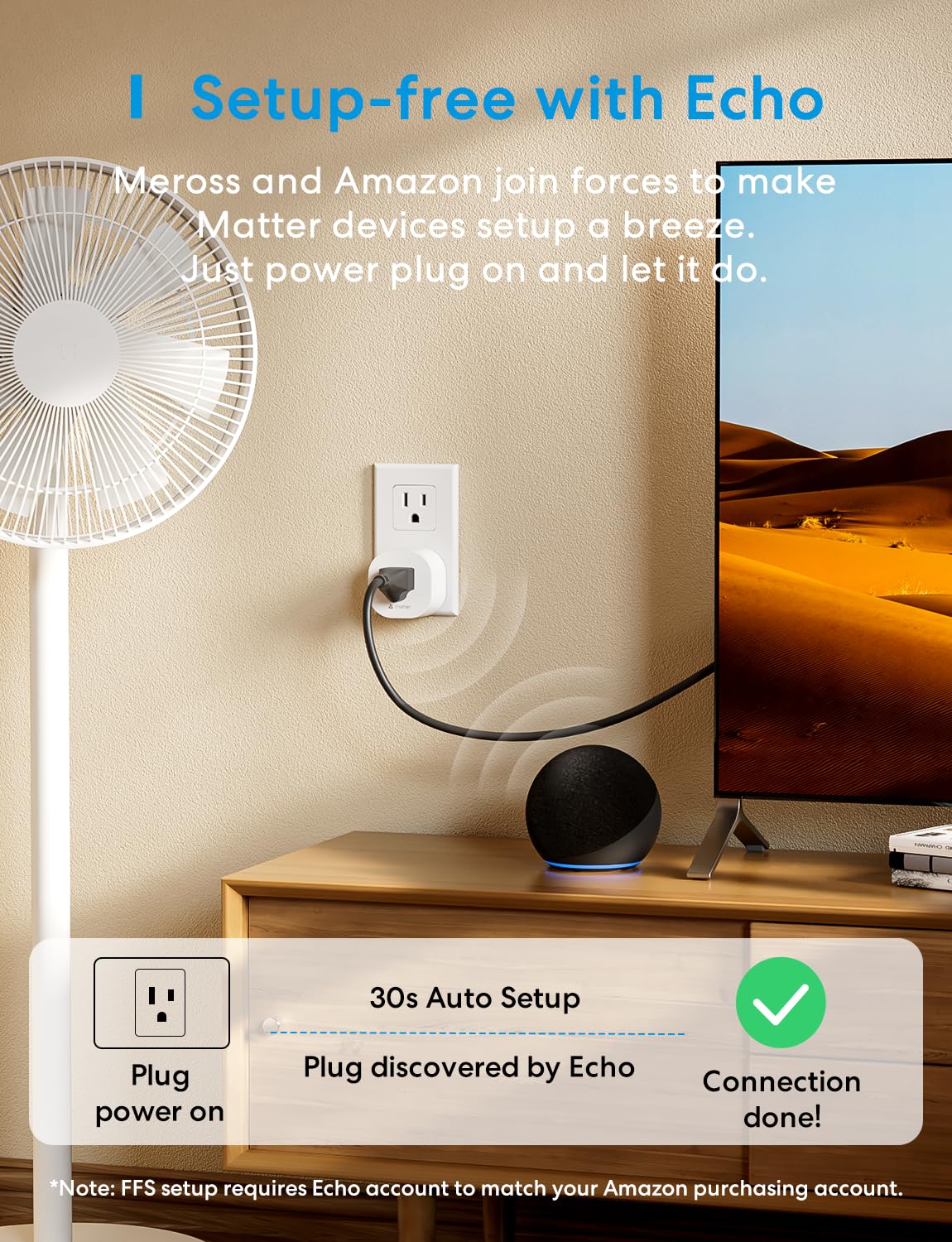
7. Meross Smart Plug Mini — Best for Multi-Ecosystem Homes
| Price: ~$14–$18 | Protocol: Matter over Wi-Fi | Works with: Alexa, Google Home, Apple HomeKit, SmartThings |
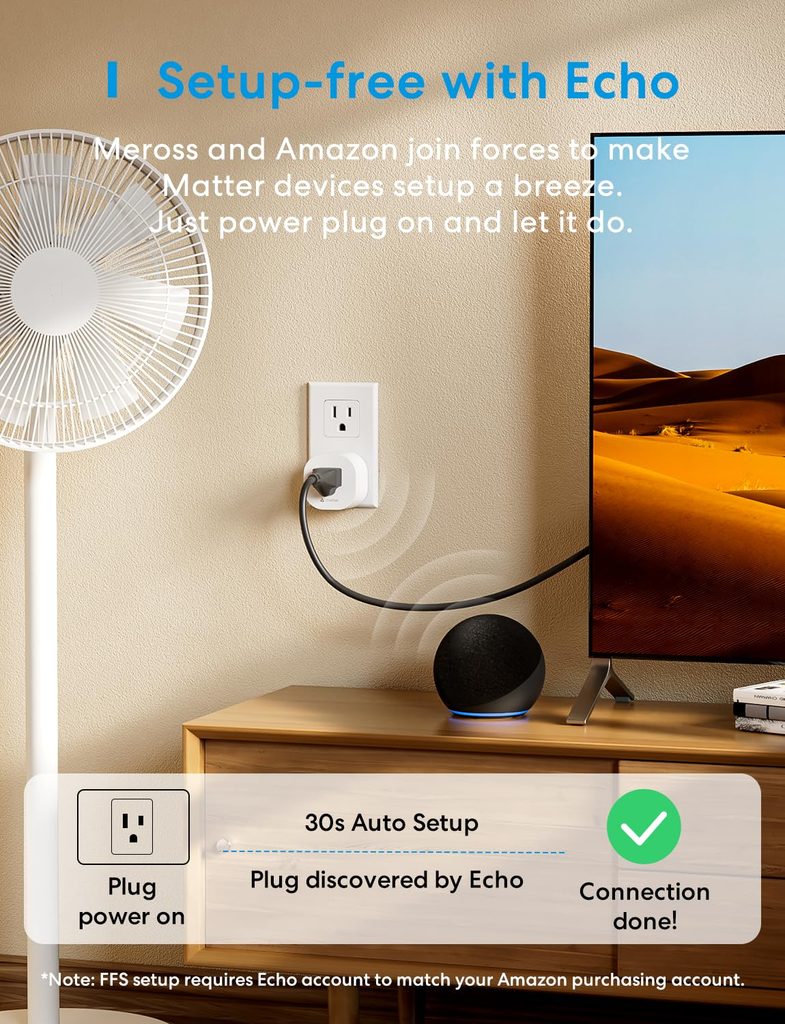
The Meross Smart Plug Mini occupies a compelling middle ground: Matter certification at a price point considerably lower than the GE Cync. For households that span multiple ecosystems — an Alexa speaker in the kitchen, a Google Nest Hub in the living room, and an Apple HomePod in the bedroom — Meross’s cross-platform compatibility is genuinely liberating.
The plug is physically small, avoiding outlet-blocking in most configurations. Its Matter implementation supports local processing, meaning commands execute reliably even during internet outages. The Meross companion app is functional if not extraordinary, and most users will simply manage the device through their preferred platform after setup.
Meross has built a solid reputation in the smart home community for delivering dependable hardware at accessible price points. The Smart Plug Mini continues that tradition.
| Best for: Households with mixed voice assistant ecosystems, Matter early adopters on a budget. |
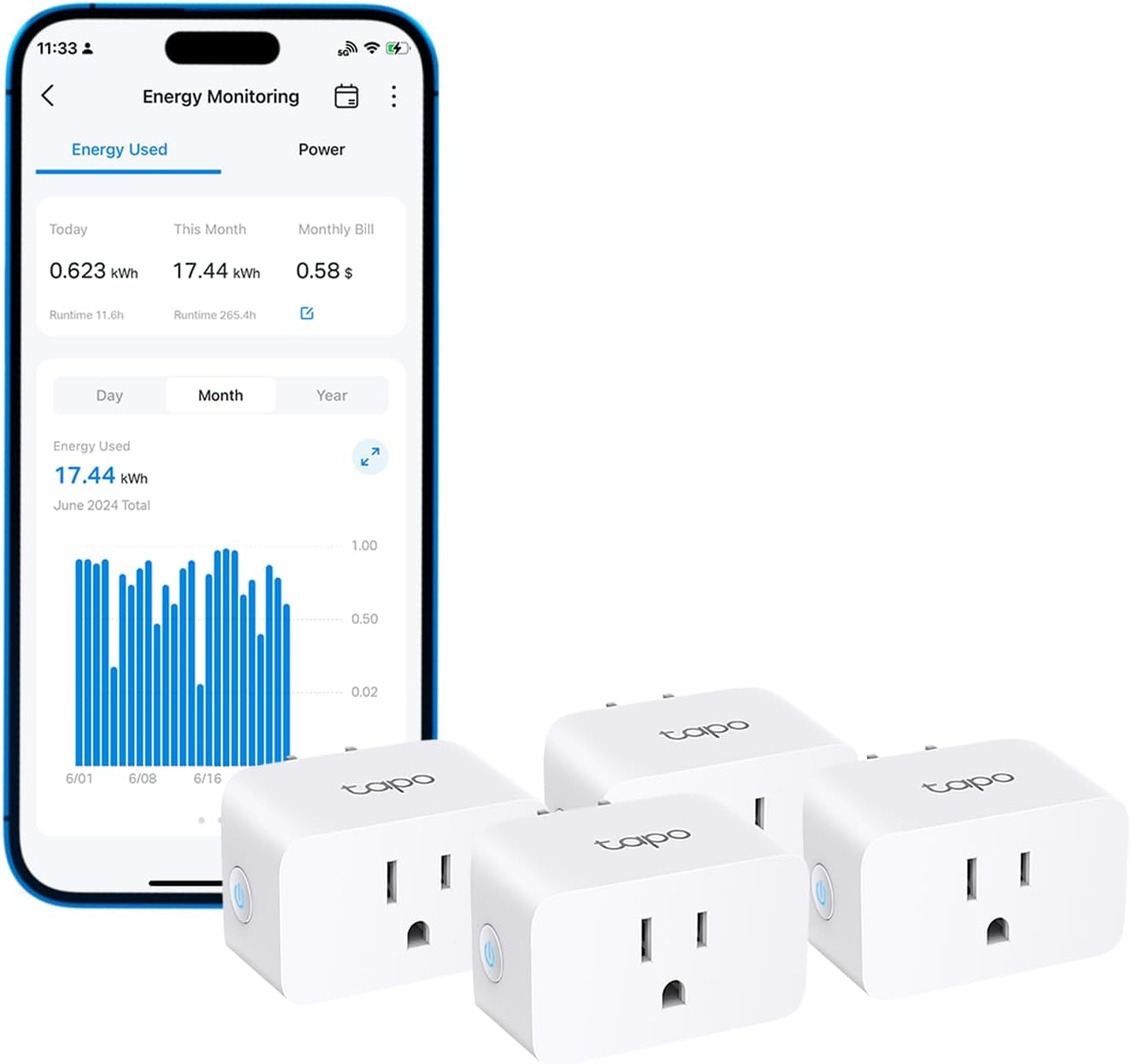
8. TP-Link Tapo P115 — Best Energy Monitoring Smart Plug Under $10
| Price: ~$6–$10 per plug | Protocol: Wi-Fi 2.4GHz | Works with: Alexa, Google Home |

If granular electricity consumption data is your primary motivation for purchasing a smart plug, the TP-Link Tapo P115 is the definitive choice. Its energy monitoring capabilities are the most detailed and user-friendly in the sub-$10 category.
The Tapo app displays real-time wattage with exceptional precision, historical consumption charted by hour, day, and month, and a monthly cost estimator that accepts your local electricity rate for genuinely useful billing projections. Power outage alerts notify you when a connected appliance unexpectedly loses power — particularly useful for monitoring refrigerators, aquariums, or medical equipment.
The P115 operates on TP-Link’s Tapo platform, distinct from the Kasa ecosystem, but similarly well-maintained. Voice assistant integrations with Alexa and Google Home function reliably. The compact form factor is outlet-friendly.
| Best for: Energy-conscious households, monitoring high-draw appliances, identifying electricity waste. |
9. Wyze Plug — Simplest Smart Plug
| Price: ~$14-$20 per plug | Protocol: Wi-Fi 2.4GHz | Works with: Alexa, Google Home |
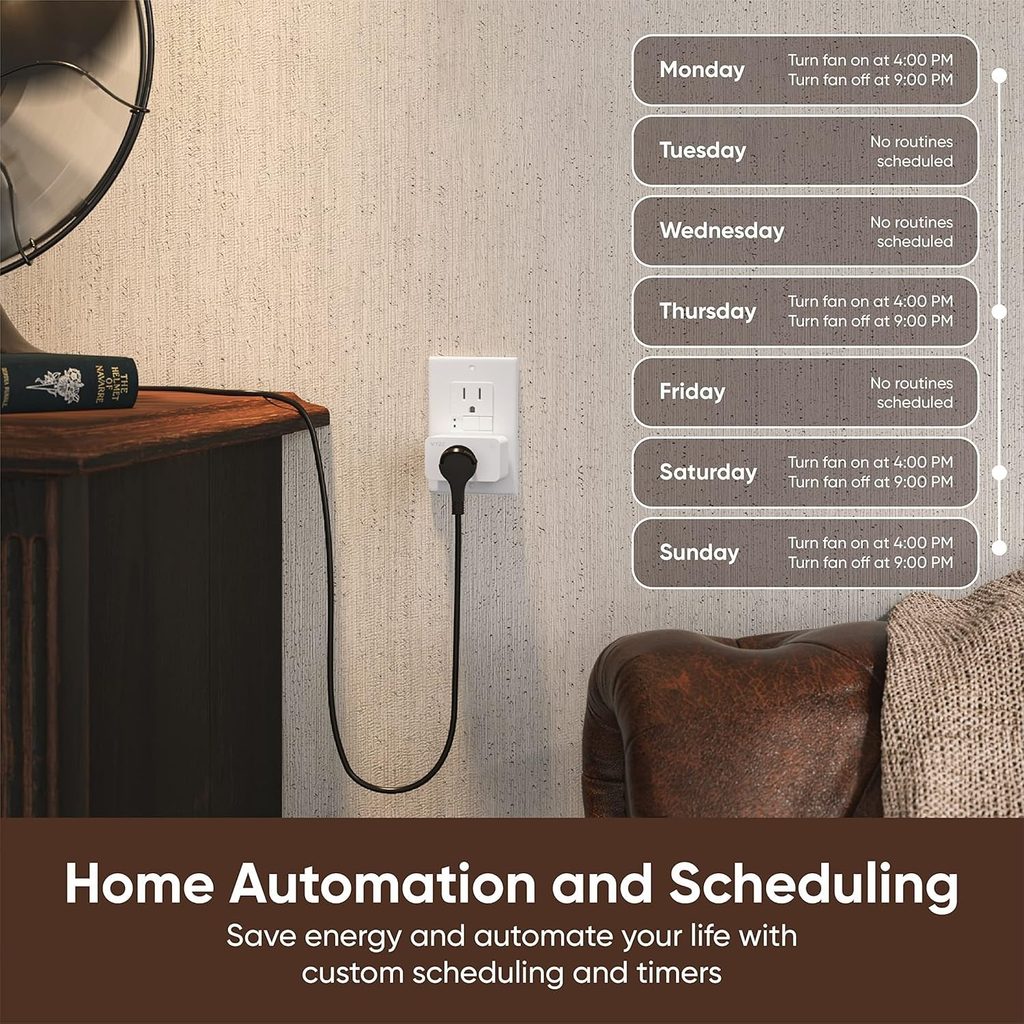
At under $20, the Wyze Plug achieves something remarkable: it delivers a genuinely functional smart plug experience at a price point that makes pervasive whole-home deployment financially feasible. Buy ten of them and you’ve spent less than $90.
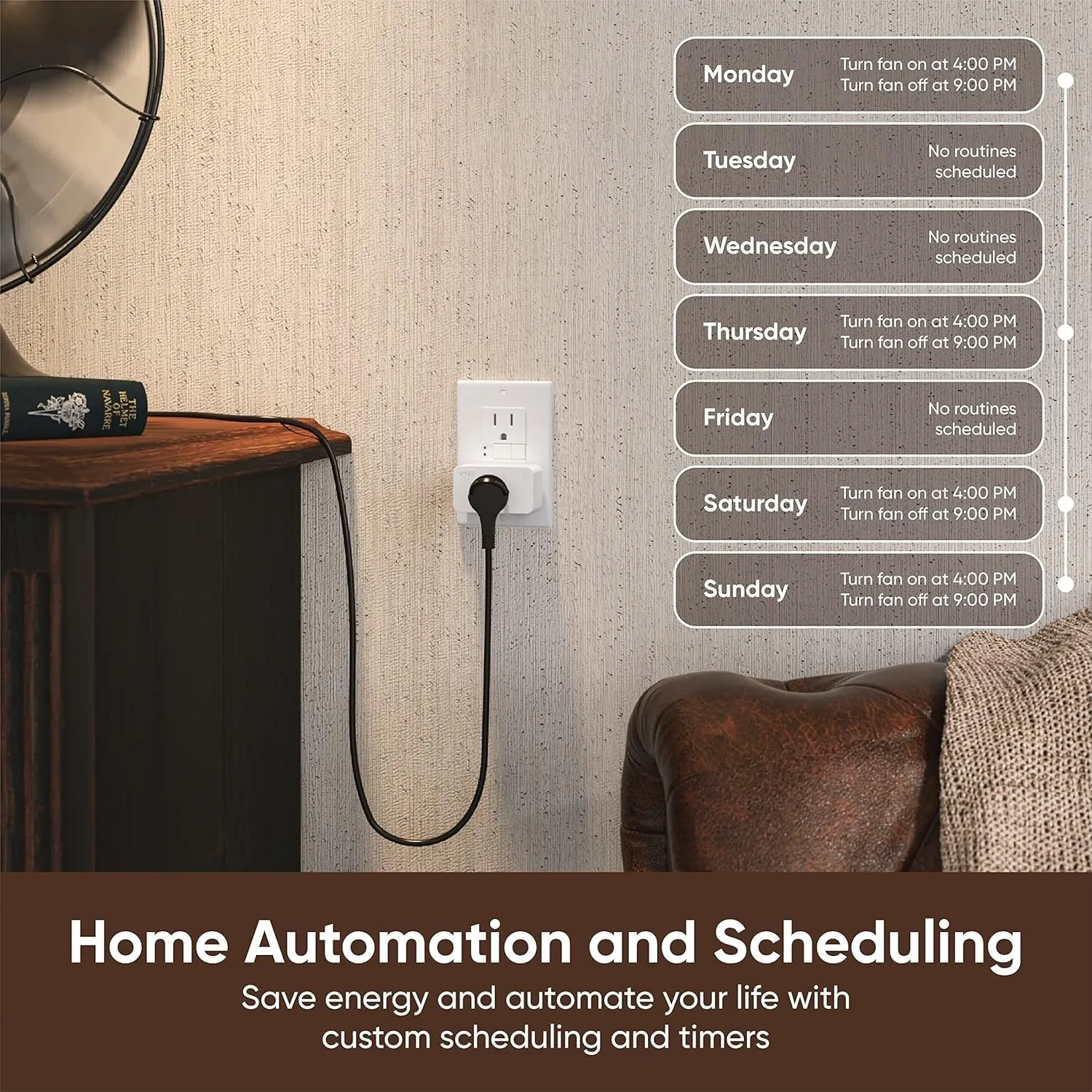
Setup through the Wyze app is smooth and well-documented. Scheduling, countdown timers, and vacation mode (randomized on/off patterns to simulate occupancy while you’re away) are all included. Alexa and Google Home integrations are stable and reliable.
The Wyze Plug lacks energy monitoring — an expected omission at this price. Its cloud dependency means automations require internet access. But for straightforward on/off automation of lamps, fans, and low-stakes appliances, it performs exactly as advertised. Wyze’s track record in the smart home space is well-established, and the brand continues to update its app and firmware consistently.
| Best for: Budget deployments, vacation mode, automating low-stakes appliances at scale. |
10. Emporia Vue Smart Plug — Best for Whole-Home Energy Tracking
| Price: ~$12 | Protocol: Wi-Fi 2.4GHz | Works with: Alexa, Google Home |

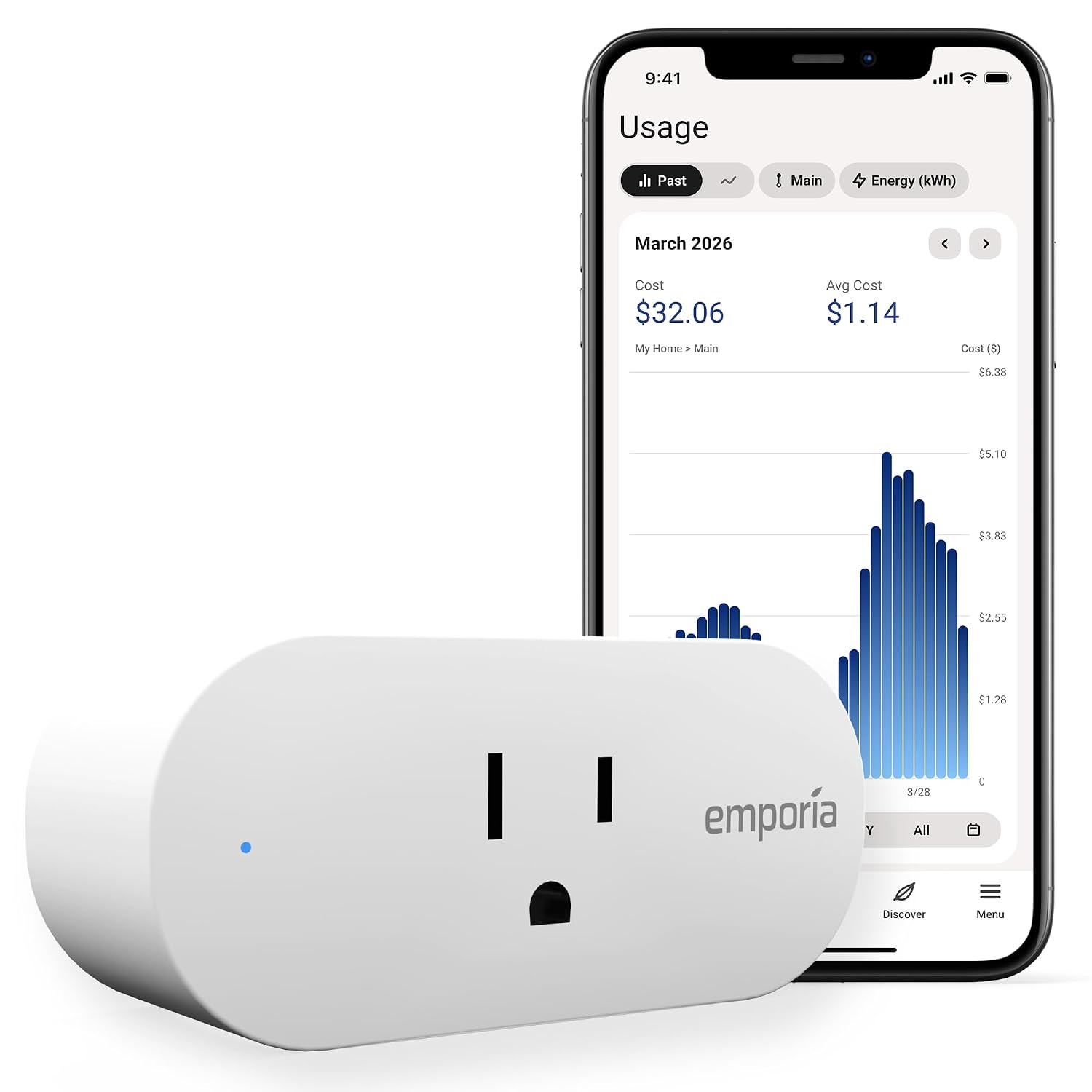
The Emporia Vue Smart Plug is purpose-built for the energy-obsessed household. While its smart control features are comparable to mid-tier competitors, its energy monitoring integration is unique: when used alongside Emporia’s Vue whole-home energy monitor, it provides an unprecedented granular view of your home’s entire electricity consumption across every monitored outlet and circuit simultaneously.
For households serious about reducing their carbon footprint, optimizing EV charging schedules, or simply understanding where every kilowatt-hour goes, the Emporia Vue ecosystem is unrivalled. The companion app presents consumption data in exceptionally clear, actionable visualizations.
As a standalone smart plug without the Vue whole-home monitor, it remains a solid performer. But its true value emerges as part of Emporia’s broader energy management ecosystem.
| Best for: Energy-obsessed households, EV owners, sustainability-focused buyers. |
Smart Plug Comparison Table: Side-by-Side at a Glance
| Smart Plug | Price | Protocol | Energy Monitor | Voice Assistants | Best For |
| Kasa EP25 | ~$9–$12 | Wi-Fi | Yes | Alexa, Google | Best Overall |
| GE Cync | ~$15–$20 | Matter | No | Alexa, Google, HomeKit | Future-Proofing |
| Amazon Smart Plug | ~$19.99 | Wi-Fi | No | Alexa Only | Alexa Households |
| Wemo Mini | ~$26.99 | Wi-Fi | No | HomeKit, Alexa, Google | Apple HomeKit |
| Govee Smart Plug | ~$15–$18 | Wi-Fi | No | Alexa, Google | Best Budget |
| Kasa EP40 Outdoor | ~$29.99 | Wi-Fi | Yes | Alexa, Google | Outdoor Use |
| Meross Mini | ~$14–$18 | Matter | No | Alexa, Google, HomeKit | Multi-Ecosystem |
| Tapo P115 | ~$6–$10 | Wi-Fi | Yes | Alexa, Google | Simplest |
| Wyze Plug | ~$13.99-$19.99 | Wi-Fi | No | Alexa, Google | Under $10 |
| Emporia Vue | ~$11.99 | Wi-Fi | Yes | Alexa, Google | Whole-Home Energy |
How to Set Up a Smart Plug: Step-by-Step
Setting up a Wi-Fi smart plug is a straightforward process that most users complete in under five minutes. Here is the universal procedure:
Step 1: Download the Companion App
Before plugging in the device, download the manufacturer’s app on your smartphone. Create an account if prompted. Kasa, Govee, Wyze, and Tapo each have dedicated apps available on iOS and Android.
Step 2: Plug In the Device
Insert the smart plug into a standard outlet. Most devices indicate pairing mode with a blinking LED — typically blue or white. If the LED is not blinking, hold the button on the device for five to ten seconds until it enters pairing mode.
Step 3: Follow the In-App Setup Wizard
Open the app and select ‘Add Device’ or the plus icon. The app will prompt you to connect to your home Wi-Fi network. Ensure you are connecting to your 2.4GHz network, not 5GHz — most smart plugs do not support 5GHz bands.
Step 4: Name Your Device
Assign a descriptive, room-specific name: ‘Living Room Lamp,’ ‘Bedroom Fan,’ or ‘Kitchen Coffee Maker.’ This name is what you will use for voice commands, so make it natural and memorable.
Step 5: Connect to Your Voice Assistant
In the Alexa, Google Home, or Apple Home app, navigate to ‘Add Device’ and search for your plug’s brand skill. Link your account, and the plug will appear as a controllable device in your assistant’s ecosystem.
Step 6: Create Your First Schedule or Automation
Navigate to the scheduling section of your app and set your first timer — perhaps turning off the bedroom lamp at 11pm automatically, or switching on the coffee maker at 7am. This single automation will immediately demonstrate the transformative value of smart home technology.
Smart Plug Automation Ideas That Will Change Your Daily Routine
The true value of a smart plug reveals itself not in manual control, but in intelligent automation. Here are twelve ideas worth implementing immediately:
- Morning Coffee Routine: Schedule your coffee maker to activate 10 minutes before your alarm. Wake up to a freshly brewed cup without any manual intervention.
- Sleep Timer for Entertainment: Set your television or speakers to automatically switch off 30 minutes after your typical bedtime, preventing the familiar scenario of waking up to a running TV at 3am.
- Energy Vampire Elimination: Plug your gaming console, desktop PC, or home theatre receiver into an energy monitoring plug. Review the standby consumption data and build an automation that cuts power when the devices are not in use.
- Vacation Security Mode: Enable Wyze’s vacation mode or build a custom random-on/off routine that simulates occupancy while you’re away, deterring opportunistic intruders.
- Sunrise/Sunset Lamps: Automate outdoor lights and porch lamps to activate at sunset and deactivate at sunrise — no manual adjustment required as daylight hours shift through the seasons.
- Smart Plant Watering: Connect a plug-in water timer or irrigation pump to a smart plug scheduled for early morning watering, perfectly timed for optimal plant hydration.
- Appliance Scheduling for Off-Peak Electricity Rates: If your utility provider offers time-of-use pricing with cheaper overnight rates, schedule your dishwasher, washing machine, or EV charger to run during the cheaper window.
- Desk Setup One-Touch Power: Group your monitor, speakers, and desk lamp under a single smart plug scene. One voice command or app tap powers your entire workspace on or off simultaneously.
- Bedroom Wind-Down Routine: At 9:30pm, trigger a routine that dims your smart lights, activates a white noise machine via smart plug, and switches off the television — a complete sleep hygiene sequence from a single automation.
- Kids’ Device Time Limits: Connect a Wi-Fi router extension or a gaming console to a smart plug. Build a schedule that cuts power at a set bedtime, providing a reliable, argument-free screen time enforcement mechanism.
- Aquarium Pump Failure Alert: Plug your aquarium pump into an energy monitoring smart plug. Configure alerts for unexpected power drops — an early warning system for pump failures that could otherwise go unnoticed.
- Holiday Light Automation: Connect exterior holiday lights to a smart plug scheduled to illuminate at sunset and switch off at midnight, eliminating manual on/off management entirely.
Common Smart Plug Mistakes to Avoid
Exceeding the Rated Load
Every smart plug carries a maximum load rating — typically 10 to 15 amps (1,200 to 1,800 watts). Never connect high-draw appliances like space heaters, air conditioners, or washing machines to a smart plug without first verifying that the device’s peak draw falls within the plug’s rated capacity. Overloading a smart plug is a fire hazard.
Connecting to a 5GHz Wi-Fi Network
Most smart plugs operate exclusively on 2.4GHz Wi-Fi bands. Attempting to connect to a 5GHz network during setup is the single most common cause of failed pairing. Always confirm you are on the 2.4GHz network before initiating setup.
Ignoring App Update Notifications
Smart home manufacturers periodically push firmware updates that address security vulnerabilities, improve responsiveness, and add new features. Neglecting these updates leaves your devices exposed to known exploits. Enable automatic updates where the option is available.
Buying No-Name Brands Without Research
The smart plug market is saturated with inexpensive devices from unfamiliar manufacturers. While some deliver adequate performance, many rely on cloud servers that may be discontinued without warning, bricking the device entirely. Stick to brands with established track records: Kasa, Govee, Wyze, GE, Wemo, Meross, Amazon, and TP-Link.
Using Smart Plugs with Dimmer Switches
Plugging a lamp connected to a smart plug into a wall outlet that is already controlled by a dimmer switch creates a conflict that can damage both the plug and the lamp. Smart plugs require a direct, unmodified power source. Use them with standard, non-dimmer outlets only.
Smart Plugs vs Smart Switches: Which Do You Actually Need?
| Factor | Smart Plug | Smart Switch |
| Installation | Plug in — done | Requires wiring, neutral wire often needed |
| Cost | $10–$35 | $25–$60 |
| Renter-Friendly | Yes — no modifications required | No — modifies electrical fixtures |
| Controls | Any plug-in appliance | Hardwired ceiling lights and fans |
| Portability | Move between outlets freely | Permanent installation |
| Energy Monitoring | Available on select models | Available on select models |
| Best For | Lamps, fans, appliances, electronics | Ceiling lights, ceiling fans, hardwired fixtures |
The answer is usually both. Use smart plugs for any device with a standard power cord. Use smart switches for ceiling-mounted fixtures that are hardwired into your home’s electrical system. They are complementary technologies rather than competing alternatives.
Browse more of our smart plugs and switches reviews for additional picks and comparisons.
Frequently Asked Questions
Can smart plugs work without internet?
Matter-certified smart plugs with Thread support can operate entirely locally — executing automations and responding to commands even without internet connectivity. Standard Wi-Fi plugs typically require internet access for cloud-dependent features, though basic on/off control sometimes functions locally depending on the brand and firmware version.
Are smart plugs a fire hazard?
Certified smart plugs from reputable manufacturers carrying UL, ETL, or FCC marks are no more hazardous than standard outlet adapters when used within their rated load specifications. The risk arises from overloading the device or using uncertified no-name products. Always verify certification markings and never exceed the stated maximum load.
Do smart plugs use electricity when on standby?
Yes — all smart plugs draw a small amount of power continuously to maintain their network connection, typically 0.5 to 2 watts. Over the course of a year, this amounts to 4 to 17 kilowatt-hours per plug. For context, the energy savings achieved by automating appliances and eliminating standby waste typically far outweigh this parasitic draw.
Can I use a smart plug with a space heater?
With caution. Space heaters are high-draw appliances, often operating at 1,500 watts. Many smart plugs have a maximum rating of 10 amps (1,200 watts) or 15 amps (1,800 watts). Verify your heater’s wattage and your plug’s maximum rating before connecting them. Never use a smart plug to automate a space heater that is left unattended or near flammable materials.
What happens to a smart plug during a power outage?
When power is restored after an outage, smart plugs typically return to their last known state — either on or off. Some models, including Kasa devices, allow you to configure the ‘power restore state’ — defaulting to on, off, or last state — through the companion app. This is a critical setting for appliances like lamps or fans that you do not want to switch on automatically when power returns at 3am.
Will smart plugs work with my old Wi-Fi router?
Most smart plugs require only a standard 2.4GHz Wi-Fi network — a specification supported by virtually every router manufactured in the past fifteen years. However, if your router uses a combined 2.4GHz/5GHz network that does not allow independent band access, you may encounter setup difficulties. In these cases, creating a temporary mobile hotspot on 2.4GHz for the initial pairing process often resolves the issue.
Final Verdict and Our Top Recommendations
The smart plug market in 2026 offers something genuinely impressive: exceptional hardware at prices that make whole-home automation accessible to virtually any budget.
| Best Overall: Kasa EP25 — the ideal starting point for the vast majority of buyers. Reliable, feature-rich, energy monitoring included, and priced under $15 per unit. |
| Best Future-Proof: GE Cync or Meross Mini (Matter-certified) — for buyers building a long-term ecosystem that spans multiple platforms. |
| Best Budget: Wyze Plug or Govee Smart Plug — for large-scale deployments where cost per unit is the primary constraint. |
| Best for Apple Users: Wemo Mini Smart Plug — the most reliable native HomeKit experience in the category. |
| Best for Energy Monitoring: TP-Link Tapo P115 or Kasa EP25 — both deliver detailed consumption data at accessible price points. |
Start with one or two smart plugs in your highest-impact locations — the coffee maker, the bedroom lamp, the desktop setup. Experience the automation firsthand. Then expand from there. Within a week of your first smart plug installation, you will find yourself wondering how you managed without it.
Last updated: August 2026. Prices and specific model features may vary by retailer — always confirm current specifications before purchasing.

Ryan Hayes
Founder & EditorRyan Hayes is the founder and editor of Smart Space Advisor, where he researches and evaluates smart home technology to help readers make informed buying decisions. His work focuses on smart security, video doorbells, smart plugs, lighting, and connected-home platforms including Matter, Alexa, Google Home, and Apple Home. By combining product research, manufacturer documentation, feature comparisons, and real-world considerations, Ryan aims to cut through technical jargon and provide practical, straightforward advice about which smart home products offer genuine value.