
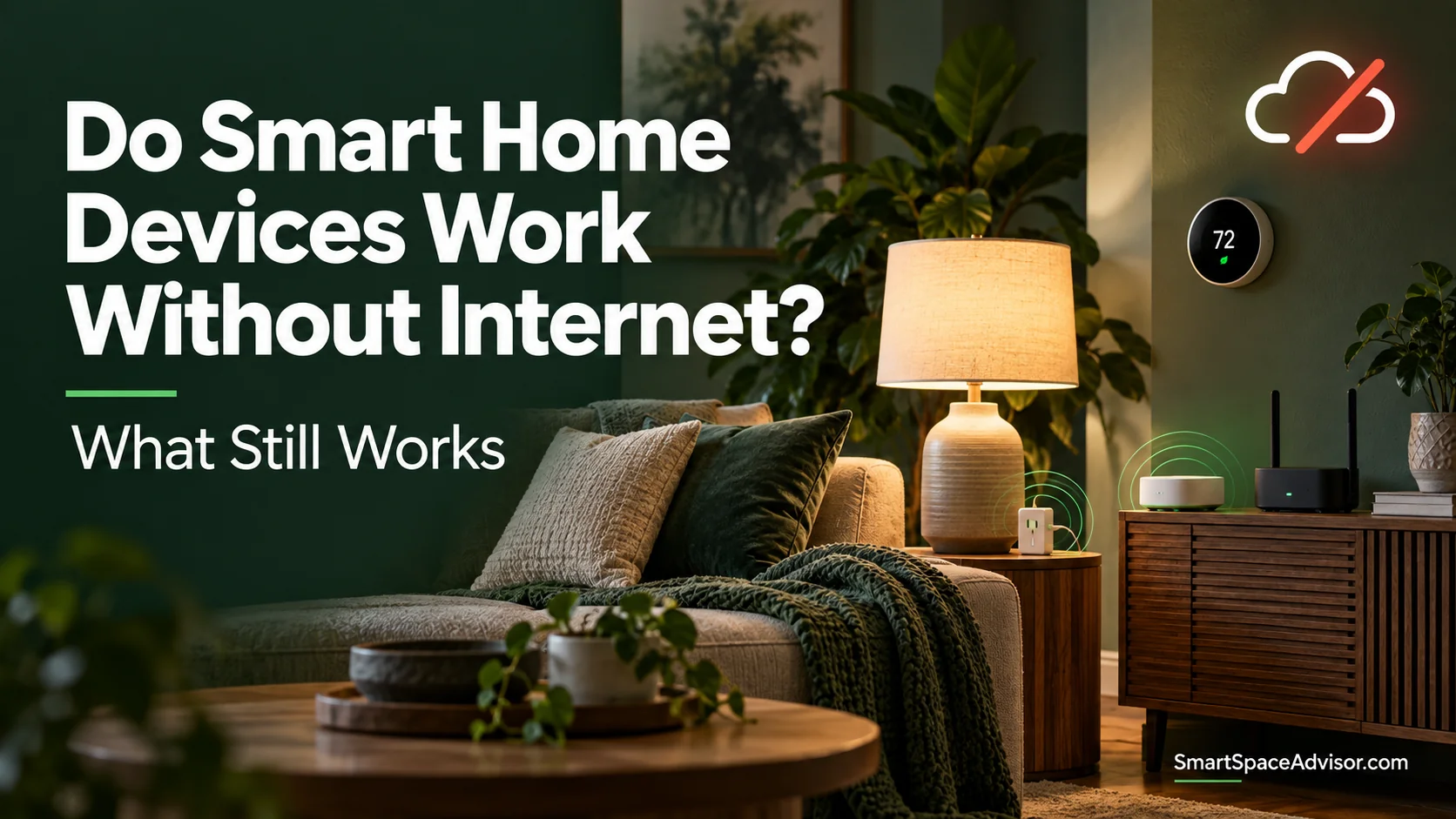
Yes—some smart home devices work without internet, but usually with fewer features. Physical controls, locally stored schedules and compatible local automations can keep working. Cloud-based commands, remote access and online services generally need an internet connection.
The deciding factor is where a command is processed. A light controlled by a local hub can behave differently from a similar light that depends on a manufacturer’s cloud service.
An internet outage also differs from a Wi-Fi failure or power cut. Your broadband can stop working while your router, lights and local smart-home network remain operational.
Here is how to tell what will keep working, what you may lose and what to check before buying.
What Works Without Internet? Quick Comparison
This table assumes devices are already configured, have power and retain any required local connections. It describes possible behavior, rather than guaranteeing every product in a category works offline.
| Device or feature | What can keep working | What commonly needs internet |
|---|---|---|
| Smart plugs | Physical button, supported device-stored schedules, compatible local control | Cloud app control, remote access, cloud routines |
| Smart bulbs and switches | Supported local app control, paired buttons, local lighting automations | Cloud commands, remote control, online integrations |
| Smart thermostats | On-device temperature adjustment and supported local operation | Remote app access, online weather data, cloud features |
| Security cameras and video doorbells | Supported recording to a microSD card, local hub or recorder | Cloud uploads, remote viewing, internet-delivered alerts |
| Smart locks | Supported keypad, key, thumb turn or local Bluetooth access | Remote unlocking and cloud notifications |
| Sensors | Supported local alarms and hub-based automations | Cloud routines and remote notifications |
| Smart speakers | Model-specific offline functions; verify voice control separately from local controller capability. | Music streaming, online answers and many voice requests |
A device can continue doing its basic job while losing its smart features. A thermostat may still control temperature, for example, even when its app reports it as offline.
Internet, Wi-Fi and Power: Three Different Outages
Your internet connection goes down
Your provider’s service stops working, but your home network may remain intact. Devices can still communicate over Wi-Fi or Ethernet if the router and access points remain operational.
A compatible local controller may therefore continue switching lights or running automations. Devices that need a cloud server to process the same requests may stop responding.
Your router or Wi-Fi stops working
If the router is switched off, local Wi-Fi control can disappear as well as internet access.
A separate Zigbee or Z-Wave hub may still run supported automations over its own radio network if it remains powered. However, your phone may lose its connection to that hub.
Thread uses its own mesh network, but communication between Thread devices and devices on Wi-Fi or Ethernet requires a functioning Thread Border Router. Which functions survive depends on where the controller runs and which network connections remain available.
Your home loses power
Ordinary mains-powered bulbs, plugs, hubs and routers stop operating without backup power.
Battery-powered locks or sensors may remain active, but their gateways, alarms or notification paths might not. A thermostat battery does not provide electricity to your heating or cooling equipment.
When planning a setup, assess internet access, local networking and electrical power separately. Our smart home setup guide explains the networking and compatibility checks to make before expanding.
Local Control vs Cloud Control
Local control means a supported command is processed within your home, such as between a phone and device or through a local hub.
Cloud control means the command depends on an online service. If that service becomes unreachable, the feature can fail even when your home Wi-Fi is working.
A single product can use both. It might run a schedule locally while relying on the cloud for remote access, account functions or voice integrations.
Home Assistant is an example of a platform designed around local control. However, adding a device to Home Assistant does not automatically make it independent of the internet: some integrations still communicate through cloud services.
Before buying, ask three specific questions:
- Can I control it locally without reaching an online service?
- Where are its schedules and automations stored and executed?
- Which features disappear when the internet goes down?
“Works with Alexa” or “no hub required” does not answer those questions.
Do Smart Plugs Work Without Internet?
Some smart plugs retain useful offline functions, including their physical button and supported schedules stored on the device. App control depends on whether the plug and app support a local connection.
TP-Link’s schedule, timer and away-mode FAQ says those functions can continue without internet for the devices covered by its guidance.
It also identifies an important exception: after a power outage, affected devices need internet access to synchronize their time again before those functions resume correctly.
That distinction matters. A schedule surviving a broadband outage does not mean it will also survive unplugging the device and restarting it while offline.
A schedule created in the manufacturer’s app can also behave differently from an Alexa or Google Home routine. They may run in different places.
When choosing from our best smart plugs, check the exact model’s documentation for local control, schedule behavior and recovery after power loss. Do not assume every plug from the same brand behaves identically.
Do Smart Bulbs and Switches Work Without Internet?
Smart lighting can work offline when it has a supported local control path.
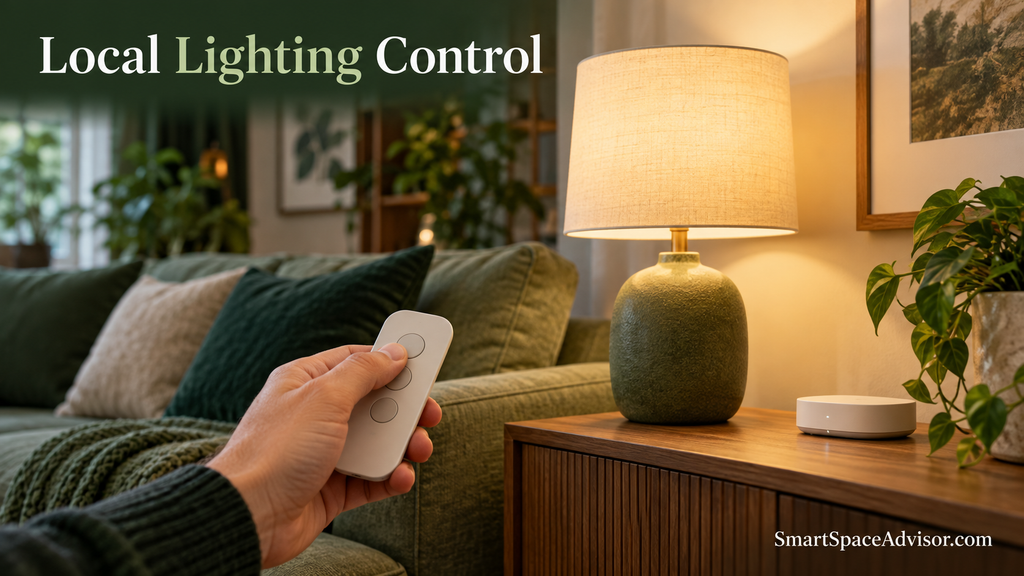
Possible examples include a compatible wireless button controlling lights through a local hub, a locally executed motion-sensor automation or a supported Bluetooth connection.
Philips Hue explains offline lighting behavior in its guide to how Hue works. A correctly configured Hue system can retain local lighting control when internet access is unavailable, while remote and online features have additional requirements.
For Wi-Fi bulbs, check whether the manufacturer’s app supports local control. A Wi-Fi connection alone does not guarantee the app bypasses the cloud.
Also remember that a smart bulb must remain electrically powered to receive smart commands. Switching it off at the wall removes that ability, regardless of whether the internet is working.
Our explanation of whether smart bulbs use electricity when off covers the difference between electronic standby and cutting power at the wall.
Do Matter Devices Work Without Internet?
Matter supports local communication, so compatible devices can retain supported local functions during an internet outage. The required devices, controller and network connections still need to be operational.
The Connectivity Standards Alliance explains Matter’s local-network behavior in its guidance on Matter and home Wi-Fi networks.
Matter is an application standard, rather than a replacement for your network. Devices can use Wi-Fi, Ethernet or Thread.
For Matter-over-Thread devices, a Thread Border Router connects the Thread network to other IP networks. A Matter controller manages supported interactions. Some products combine these roles, but the roles are different.
The Matter badge does not promise that every app feature, voice request or routine works offline. A device can support local Matter control while its manufacturer’s app or an ecosystem feature depends on the cloud.
Initial setup, account sign-in and software updates can also require internet access. Offline operation after configuration is a separate question from installation without internet.
Read our Matter explainer for a fuller introduction, or our Matter, Zigbee and Z-Wave comparison to understand how standards and networks fit together.
Do Smart Thermostats Work Without Internet?
Many smart thermostats can continue basic temperature control without internet and allow adjustments directly on the thermostat. Whether a stored schedule continues depends on the model and configuration.
Google’s Nest display guidance explains that heating and cooling can still be controlled at the thermostat when it is offline.
Features involving remote access, online weather information or cloud integrations may become unavailable.
An internet outage does not necessarily stop heating or cooling. A power failure affecting your HVAC equipment is a different issue.
Before choosing a product from our smart thermostats under $100 guide, verify both HVAC compatibility and the manufacturer’s offline-operation guidance.
Do Security Cameras and Video Doorbells Record Without Internet?
Some do, provided they support offline recording and the necessary camera, storage and local connections remain operational.
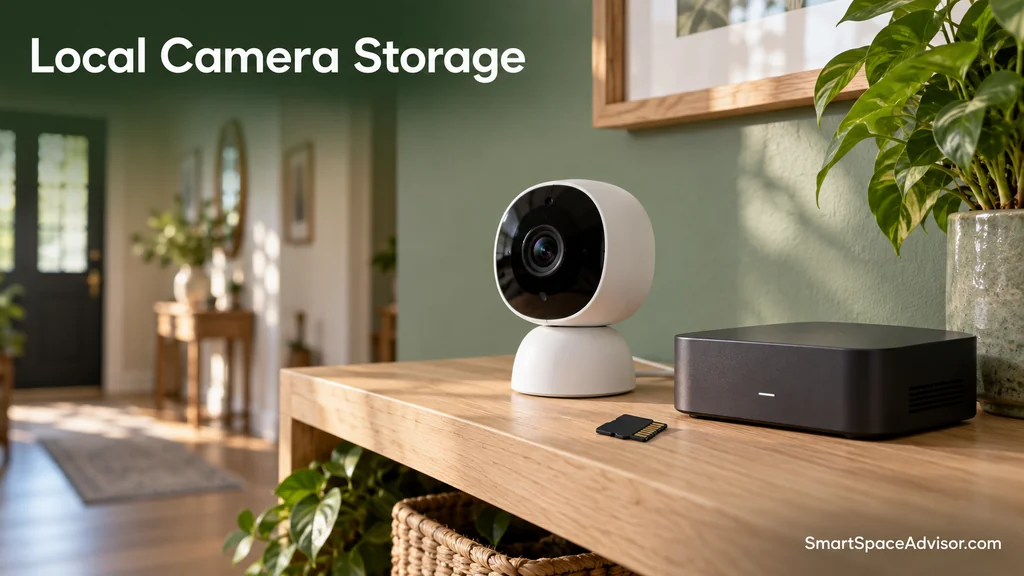
Recording may be stored on a microSD card, a compatible local hub or a network video recorder. Cloud uploads require an internet connection.
Reolink discusses these differences in its microSD versus Home Hub storage guide.
Local storage does not automatically guarantee offline recording. Check whether the exact model records during an internet outage, whether it needs a powered hub and how footage is retrieved.
A camera recording to an internal card may behave differently from one sending footage over Wi-Fi to a separate recorder. If Wi-Fi itself fails, that recording connection may disappear.
Similarly, a video doorbell’s indoor chime may use existing wiring, a direct wireless link or a hub. Its offline behavior depends on that arrangement.
When comparing our video doorbells under $100, evaluate offline recording and chime operation separately from cloud storage and subscription costs.
Do Alexa and Google Home Work Without Internet?
Many familiar voice-assistant functions depend on online services, including streaming music and answering internet-based questions.
Some devices and platforms support specific local capabilities, but you should not assume a speaker handles every smart-home voice request offline.
Three different capabilities are easy to confuse:
- The speaker can act as a local smart-home controller.
- An app can issue a supported local command.
- The speaker can understand and execute that command through offline voice processing.
Support for one does not establish support for all three. Verify the exact speaker, connected device and requested action.
Will Automations Still Run?
An automation keeps working only if its required parts remain available.
Consider a motion sensor turning on a hallway light. It can work offline if the sensor connection, automation engine and lighting command are all local and operational.
If that rule needs an online service to process the motion event, losing internet can interrupt it.
Now consider a routine triggered by an online weather forecast. Local lighting control will not make the weather service available offline.
The same distinction applies to schedules: a device-stored timer and a cloud-hosted routine may look similar in an app but have different outage behavior.
How to Test Your Smart Home Before an Outage
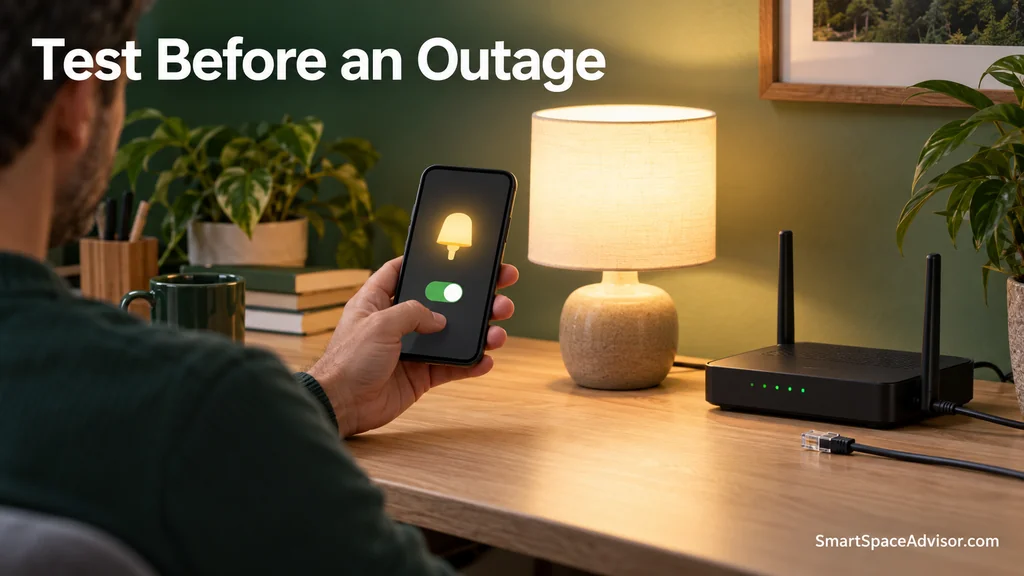
Test one nonessential device or routine at a time.
- Configure everything while online. Confirm normal controls and schedules work first.
- Disconnect only the internet connection. Where practical, disconnect the router’s WAN connection or disable it through the router’s settings. Keep the router, Wi-Fi and hubs powered. Avoid disconnecting shared power when your modem and router are combined.
- Keep your phone on home Wi-Fi. Disable mobile data, or use airplane mode and then re-enable Wi-Fi, so cellular access does not hide a cloud dependency.
- Test each feature separately. Try local app control, physical controls, one stored schedule and one automation.
- Check any supported camera recording. Verify the footage afterward rather than assuming recording continued.
- Restore internet access. Note which functions recover automatically.
Do not factory-reset devices to simulate an outage; that tests setup behavior instead. Start with a lamp rather than heating, locks or safety equipment.
How to Build a Smart Home That Handles Internet Outages
Start with the functions you most want to preserve: controlling lights, maintaining temperature or recording camera footage.
Choose products with documented local behavior and usable physical controls. Keep required hubs and network equipment powered, and verify that important automations run locally.
A UPS does not restore a failed internet-provider connection. It supplies temporary power only to connected equipment within its rated capacity; backing up your router does not keep your lights or HVAC system powered.
For a small setup, you do not need to replace everything. If you are starting fresh, our best smart home devices for beginners can help you choose your first device; check its offline behavior before adding more.
Frequently Asked Questions
Can I control smart devices using mobile data when home internet is down?
Usually not through their ordinary remote-control services. Mobile data connects your phone to the internet; it does not reconnect your home devices. Home-side cellular backup can help if it restores their connection.
Does “no hub required” mean a device works without internet?
No. It describes the hardware needed for the advertised setup. The device may still depend on a cloud service for some functions.
Do Zigbee and Z-Wave devices work offline?
Their radio networks do not require broadband. However, the hub and automation platform determine whether a particular command or routine can run locally.
Can I set up a smart home without any internet connection?
Some locally managed systems allow this, but many consumer products require internet during setup, account sign-in or activation. Check installation requirements separately from offline operation.
Will everything reconnect automatically when internet returns?
Many products reconnect, but recovery varies. Account sessions, clock synchronization, network changes or an outage affecting power as well as internet can complicate recovery.
Our Recommendation
Choose a smart home by the functions you want to keep during an outage, rather than relying on a connectivity badge.
Local control, locally executed automations and physical controls can preserve useful everyday functions. Remote access, cloud recording and online services have different requirements.
Check the exact product documentation, then test your own configuration. Knowing that your lights still respond and your camera still records is more useful than assuming the whole system “works offline.”

Ryan Hayes
Founder & EditorRyan Hayes is the founder and editor of Smart Space Advisor, where he researches and evaluates smart home technology to help readers make informed buying decisions. His work focuses on smart security, video doorbells, smart plugs, lighting, and connected-home platforms including Matter, Alexa, Google Home, and Apple Home. By combining product research, manufacturer documentation, feature comparisons, and real-world considerations, Ryan aims to cut through technical jargon and provide practical, straightforward advice about which smart home products offer genuine value.